About the product
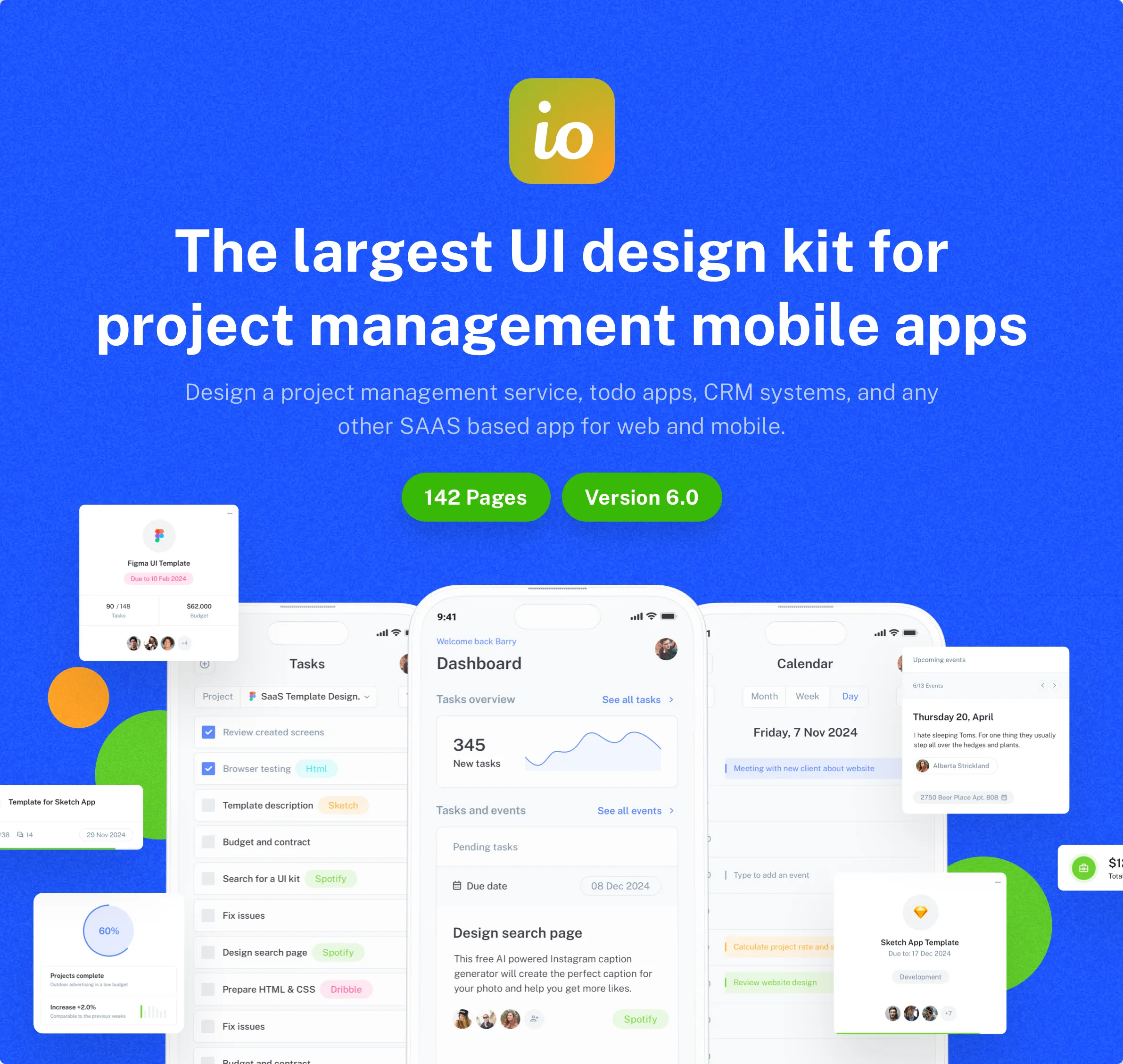
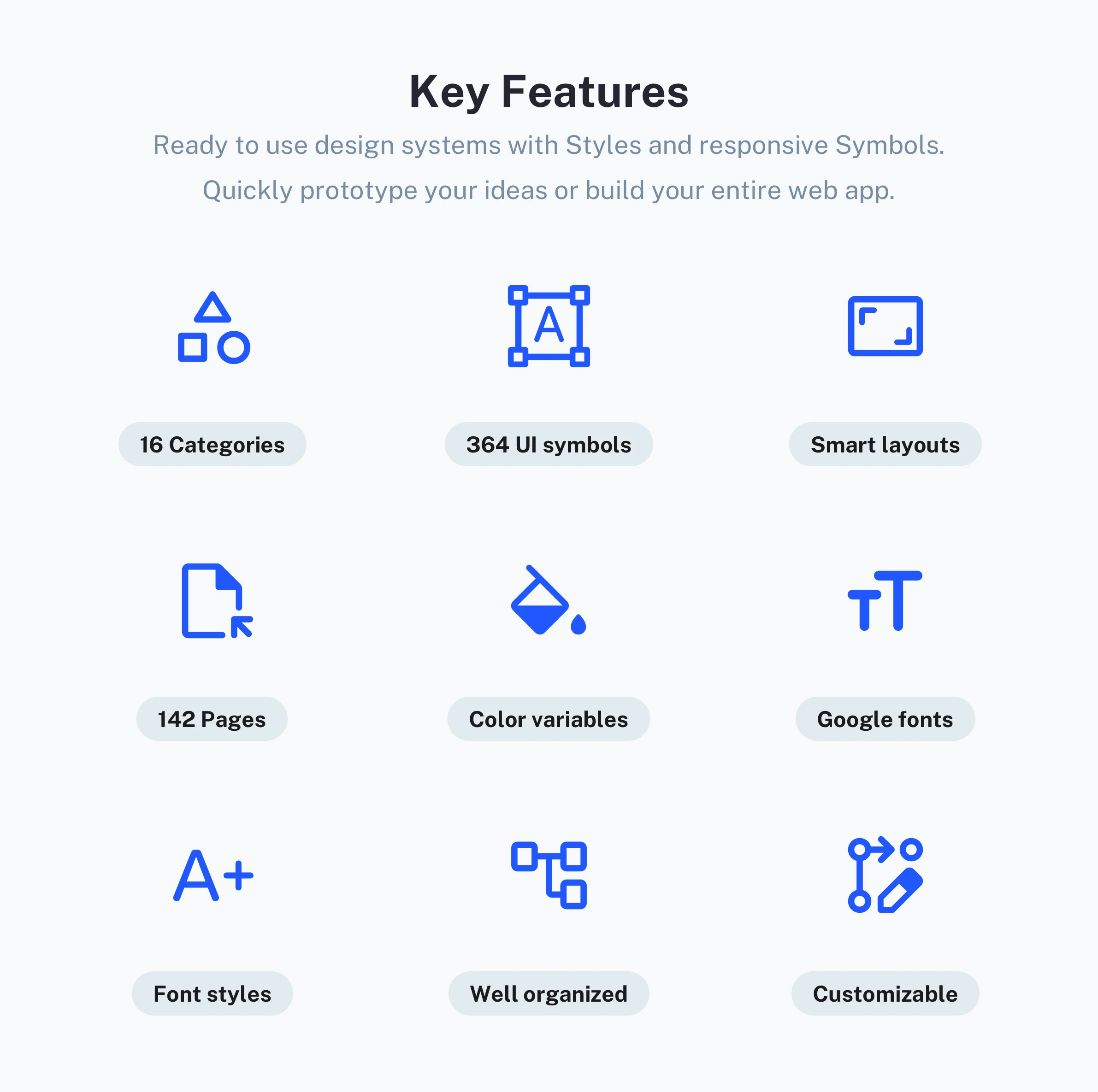
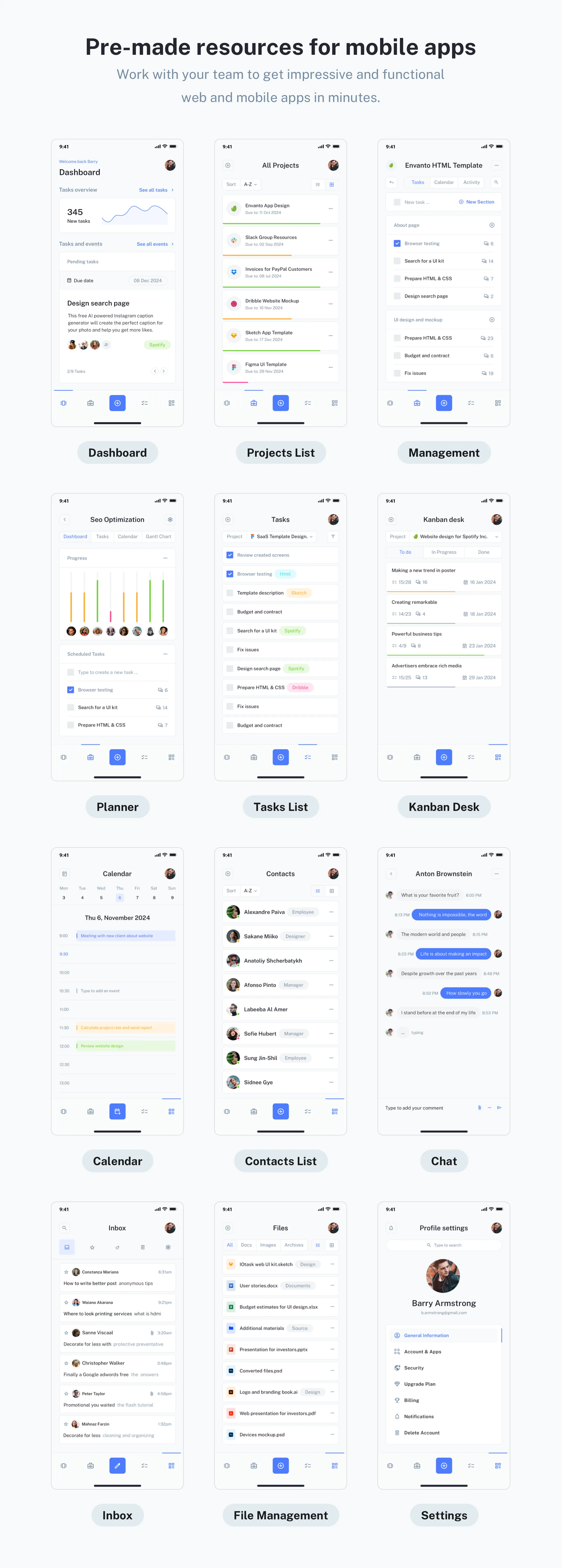
The IOTASK Mobile UI Kit is a modern, clean, and detailed template crafted for both iOS and Android apps. This UI design kit includes 142 beautiful and unique screens, providing a massive head start for your mobile development process. It utilizes readily accessible resources, including a free Google Font and a free embedded icon font that can be effortlessly customized. All symbols and objects within the built-in Design System are vector-based and fully editable, ensuring scalability across different device resolutions. More about key features:
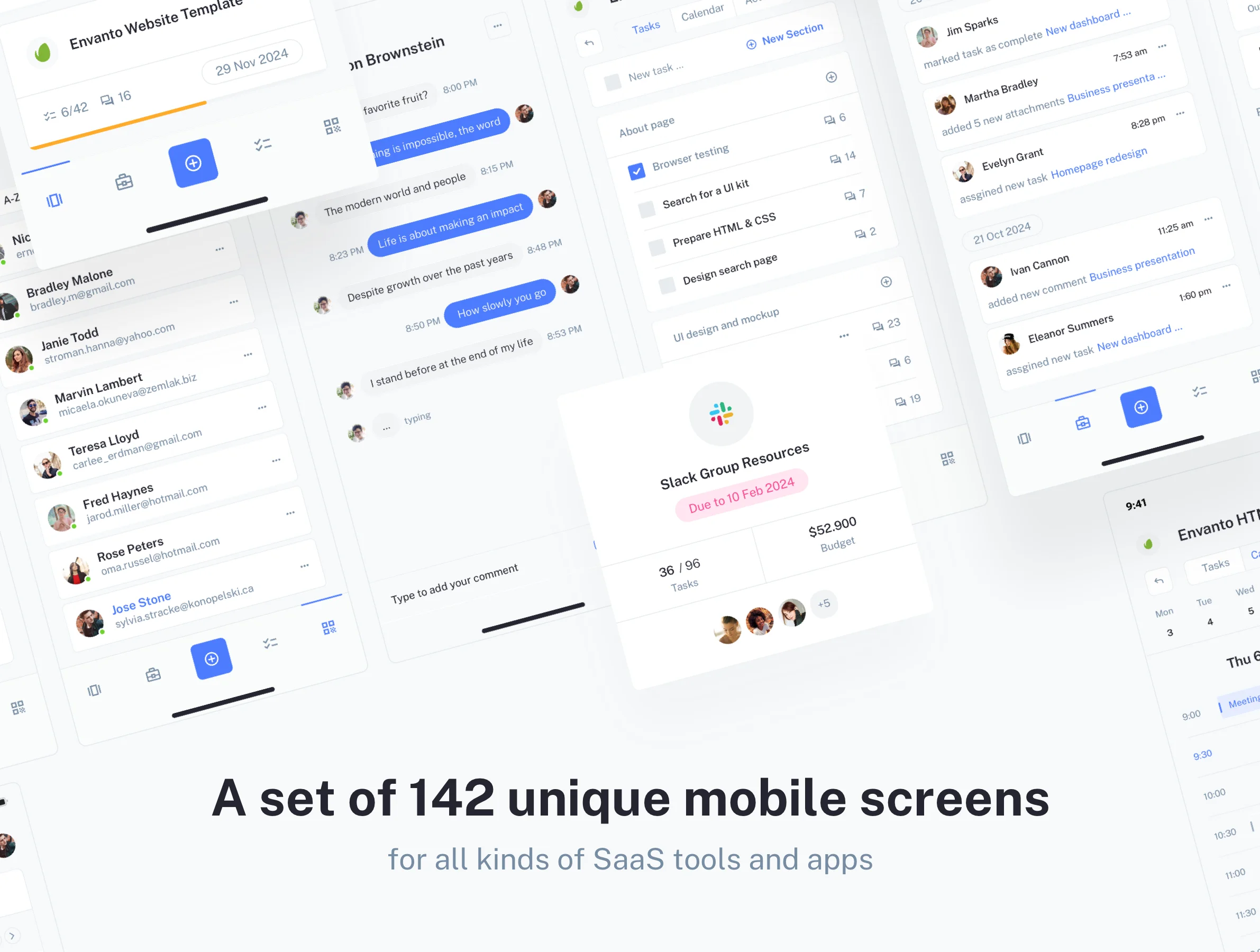
- A set of 142 unique mobile screens: Built for all kinds of SaaS tools and apps.
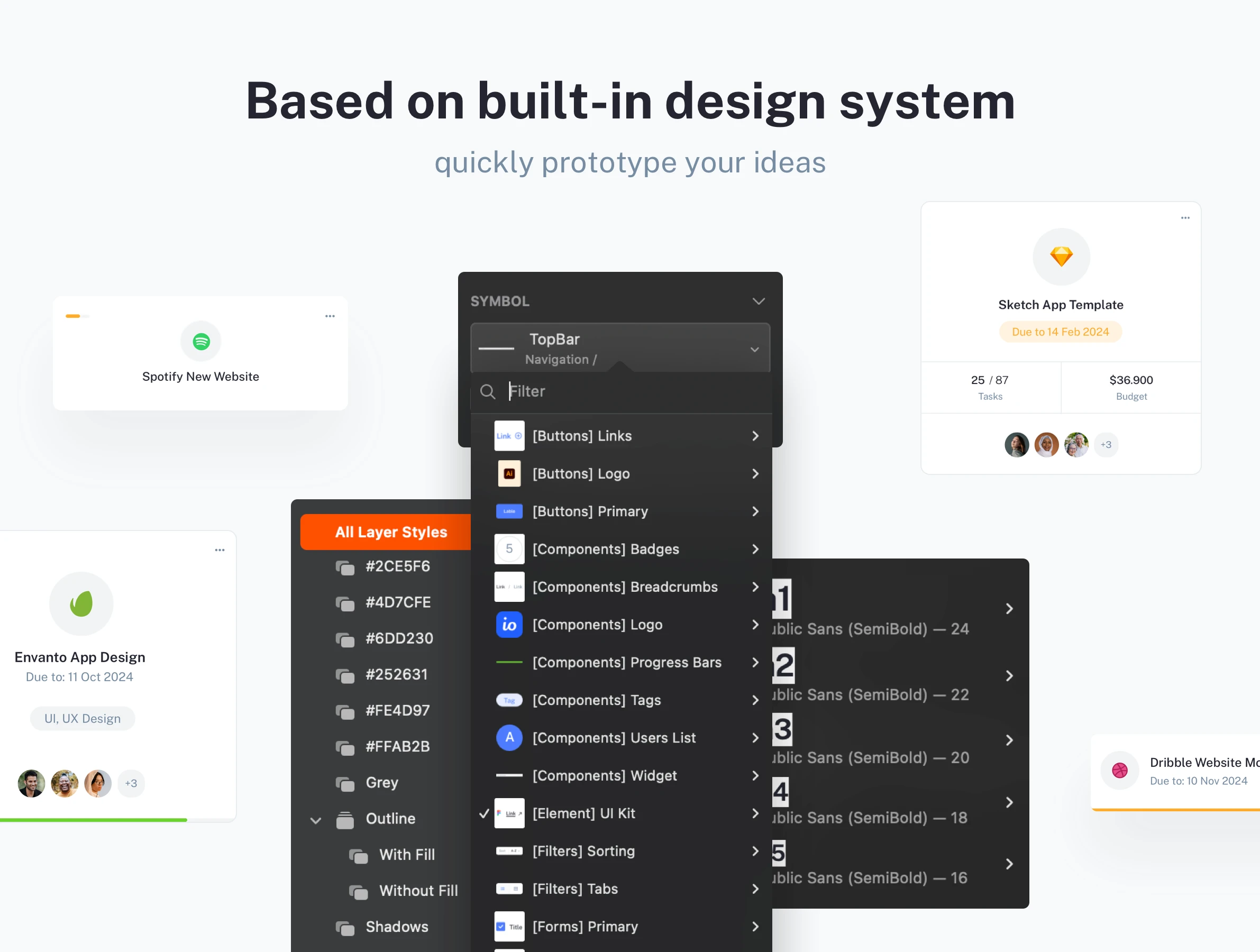
- Based on a built-in design system: Ready-to-use design systems with Styles and responsive Symbols.
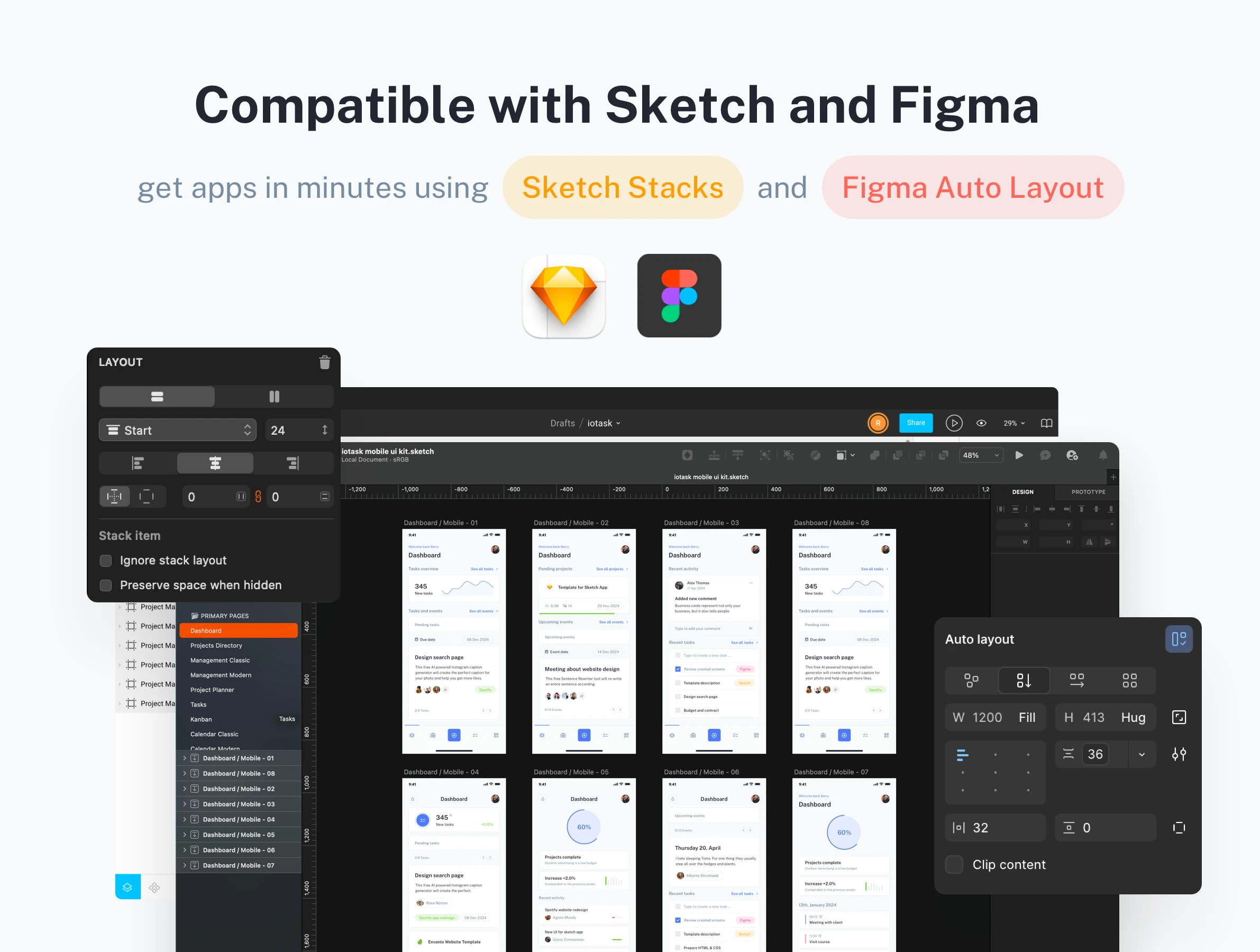
- Compatible with Sketch and Figma: Work with your team to get impressive functional web and mobile apps using Sketch Stacks and Figma Auto Layout in minutes.
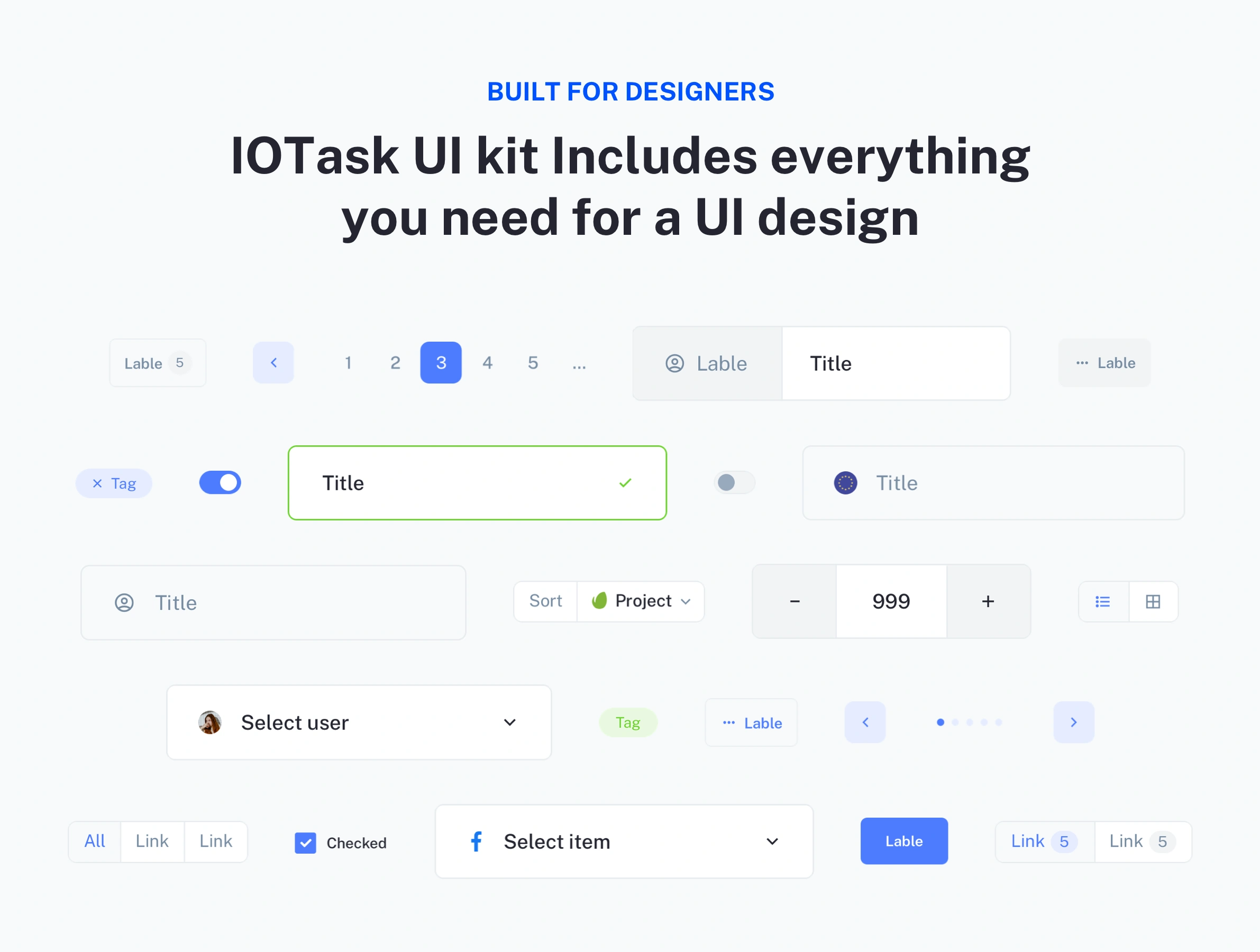
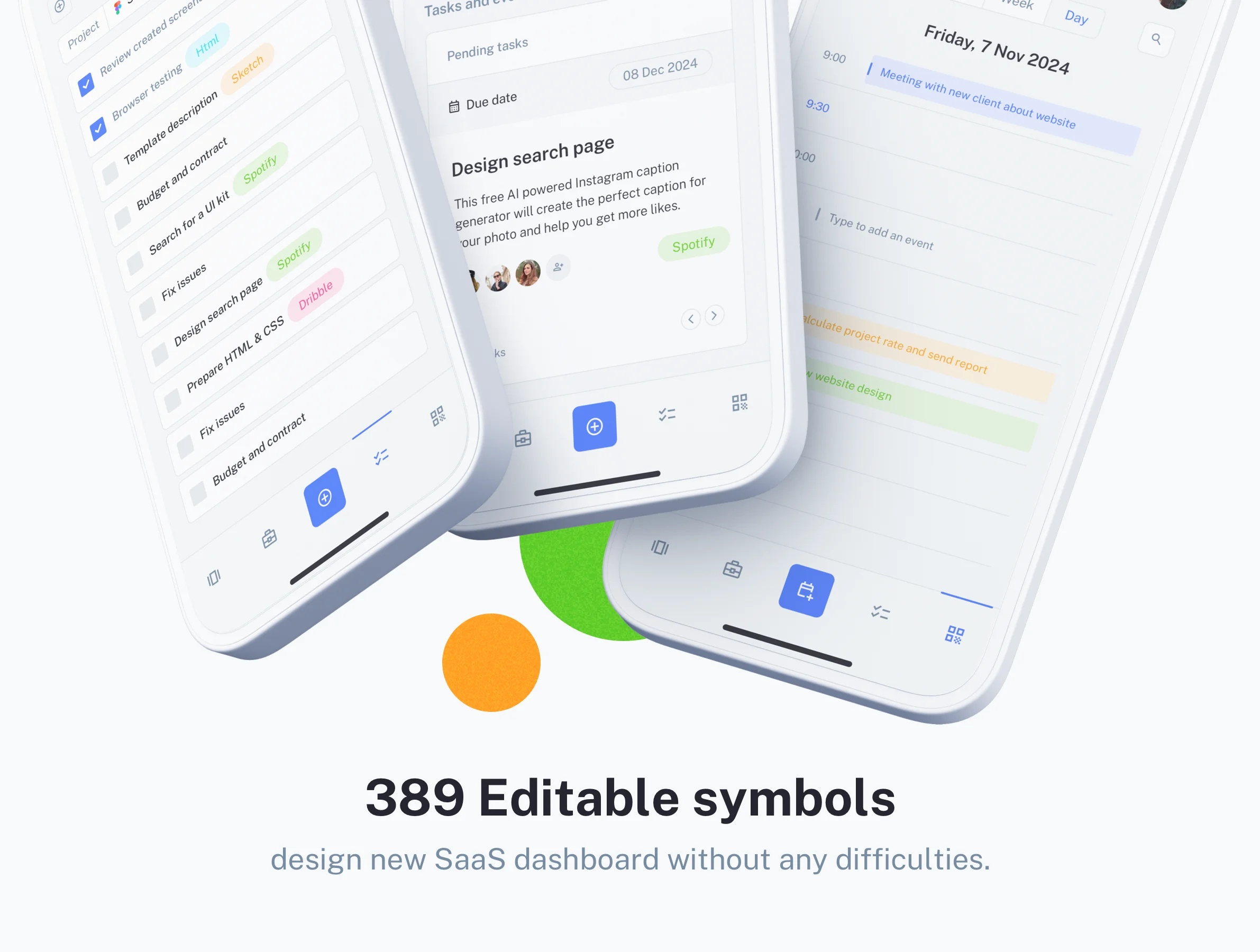
- 364 Editable symbols: Don’t want to build something yourself? Just use our UI symbols gallery for Sketch and Figma.
UI kit components
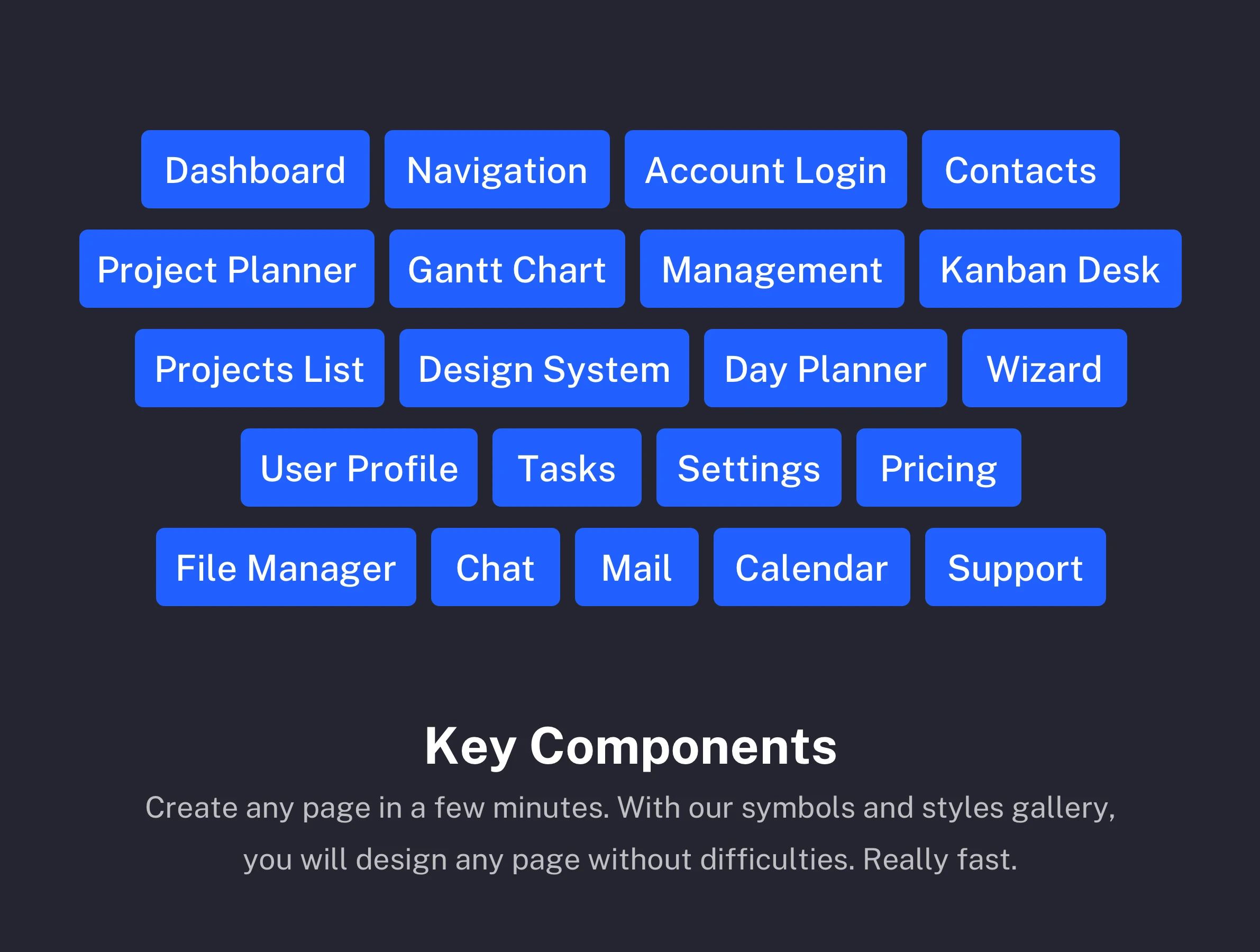
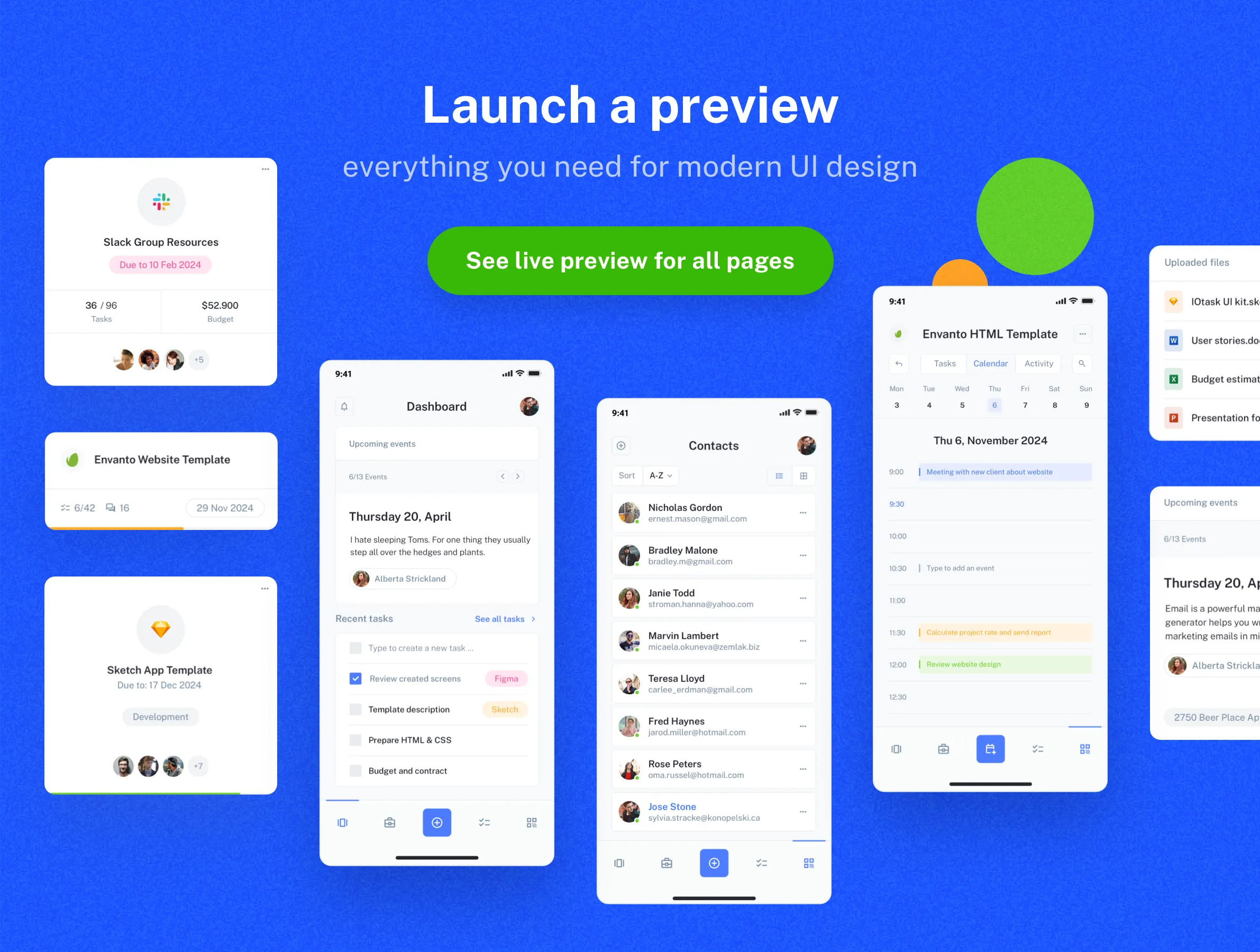
This UI kit is perfectly suited for a wide range of mobile applications, including SaaS projects, project management tools, apps focused on team productivity, and efficient ToDo apps. It provides all the necessary screen layouts to build a professional and functional application. Upon purchase, you will receive essential mobile screens such as Login pages, a condensed Dashboard (Admin page), detailed Project listings and Project management pages, organized Task pages, a visual Kanban desk, Calendar pages, complete Contacts listings, and user-friendly Profile settings. Refer to the live preview for a detailed look at the layouts.
The true value of IOTASK Mobile lies in its robust, systematic organization, mirroring the quality of its desktop counterpart. Designers benefit from pre-configured variants, dark mode support, and a logical naming convention within the Figma/Sketch files, which drastically simplifies development handoffs. This focus on consistency and native usability extends the efficiency of the IOTASK ecosystem from web to mobile, making it the definitive choice for creating cross-platform productivity solutions that require complex, data-heavy interfaces to function seamlessly on the go.
Package difference
With the latest release, we updated packages that you may purchase. If you purchased Personal or Commercial license packages, you can request to upgrade to Premium and Commercial packages. Please contact us about the upgrade, and you will need to pay only the difference between the purchased packages. Here you can find more details about packages available for new or existing customers:
- Personal Package - includes only mobile UI kit (142 pages and 364 UI symbols), and falls under personal license terms.
- Premium Package - this package also falls under personal license terms but includes both web and mobile UI kits (286 pages and 444 UI symbols) combined into one source file compatible with Sketch and Figma.
- Commercial Package - includes combined web and mobile UI kits (286 pages and 444 UI symbols), and falls under commercial license terms.
Please refer to the preview of pages for the web UI kit and screens for the mobile UI kit that you will get after the purchase.
Changelog
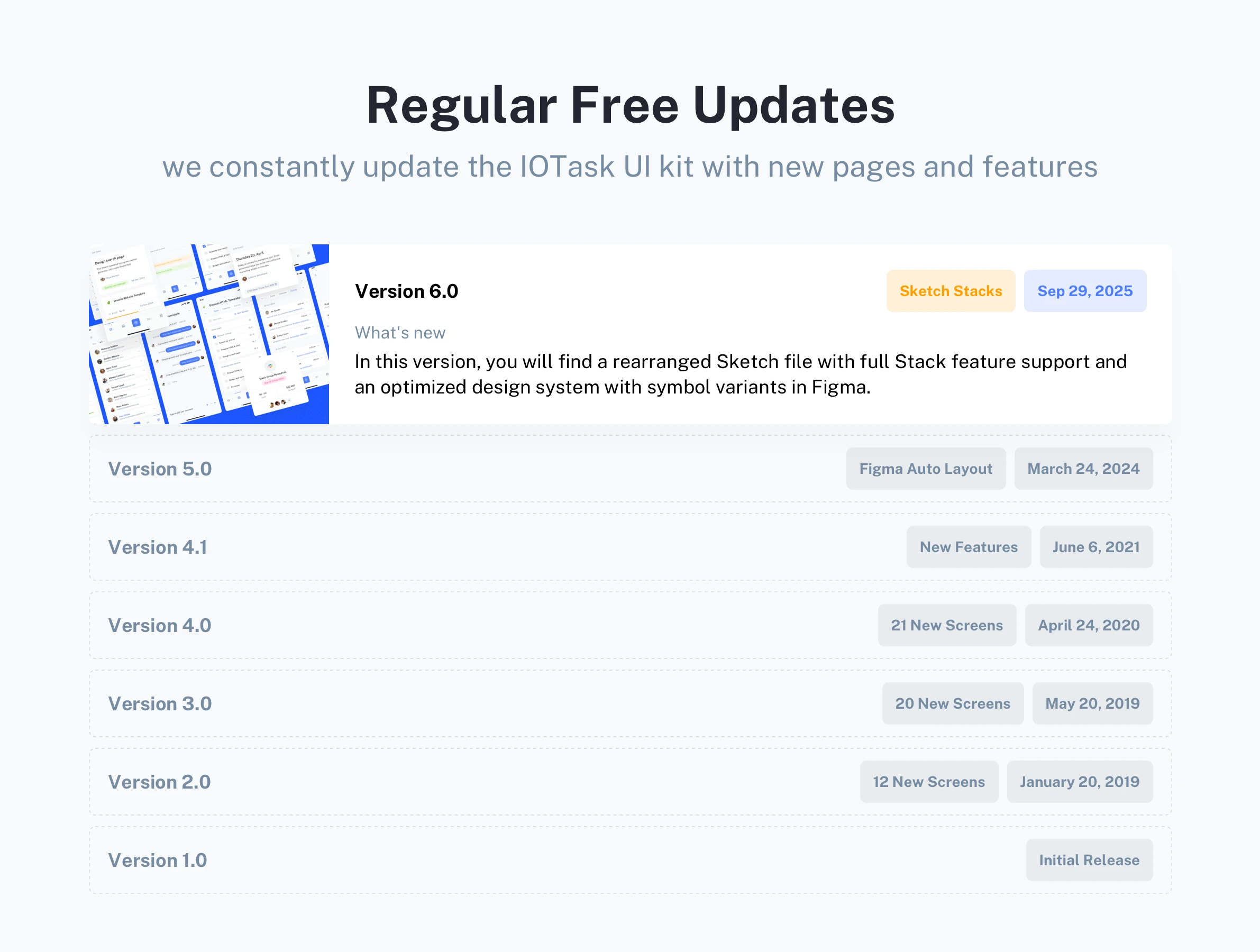
We constantly update the IOTask Mobile UI kit with new pages, features and maintain apps compatibility.
- 🚀 Sep 29, 2025 - In this version, you will find a rearranged Sketch file with full Stack feature support and an optimized design system with symbol variants in Figma.
- 🔄 Mar 24, 2024 - New Design System with a modern design. Auto-layout support for Figma.
- 🔄 June 6, 2021 - Added support for the latest Sketch and Figma features.
- 🔄 April 24, 2020 - 21 New Screens
- 🔄 May 20, 2019 - 20 New Screens.
- 🔄 Jan 20, 2019 - 12 New Screens.
- 🔄 Aug 16, 2018 - Initial release.
Please note that the IOTask Web UI kit is sold as a completely separate product version or as a part of Premium Package. If you are looking to design responsive web applications alongside your mobile app, you will need to purchase the web edition independently.
Product summary
142 Mobile screens
Breakpoints for
phone
364 UI components
Google Fonts
Design System
Light and Dark UI theme
Material Symbols & Icons
Framer components
Vector-based components
Content backed by Framer CMS
Styles & Color Variables
Well-organized design files
Figma Auto Layout
Sketch Stack Layout
Questions we get asked the most