About the product
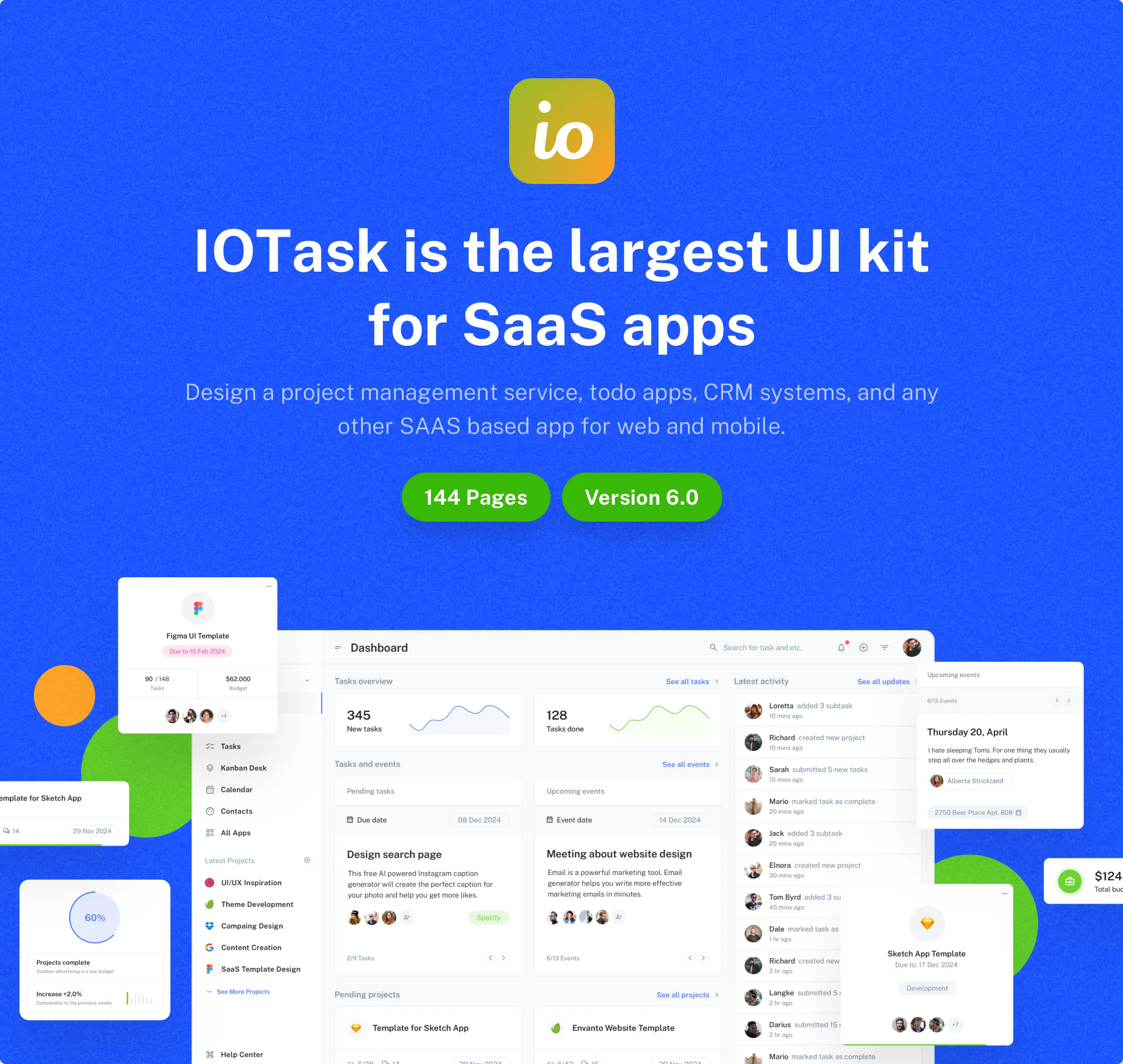
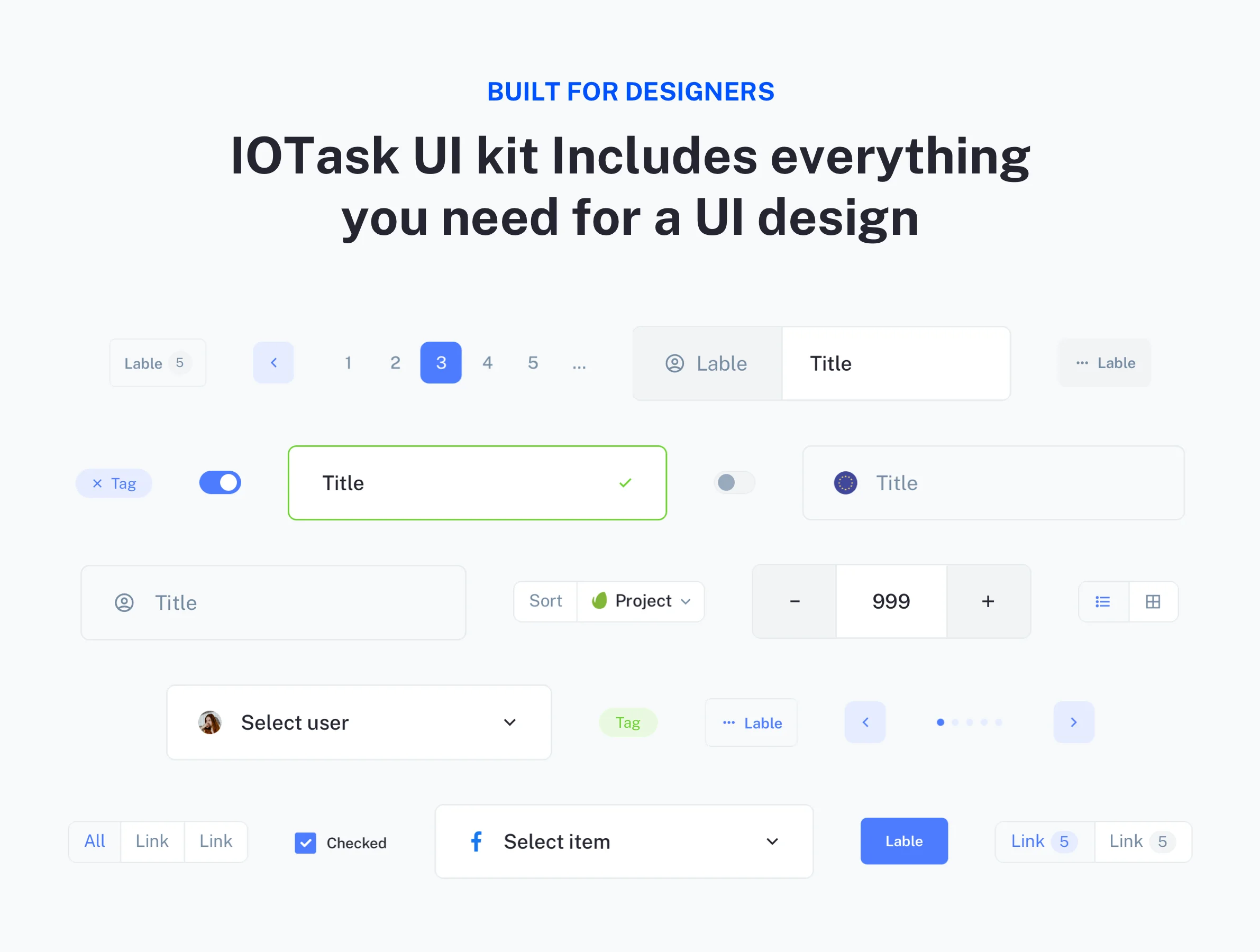
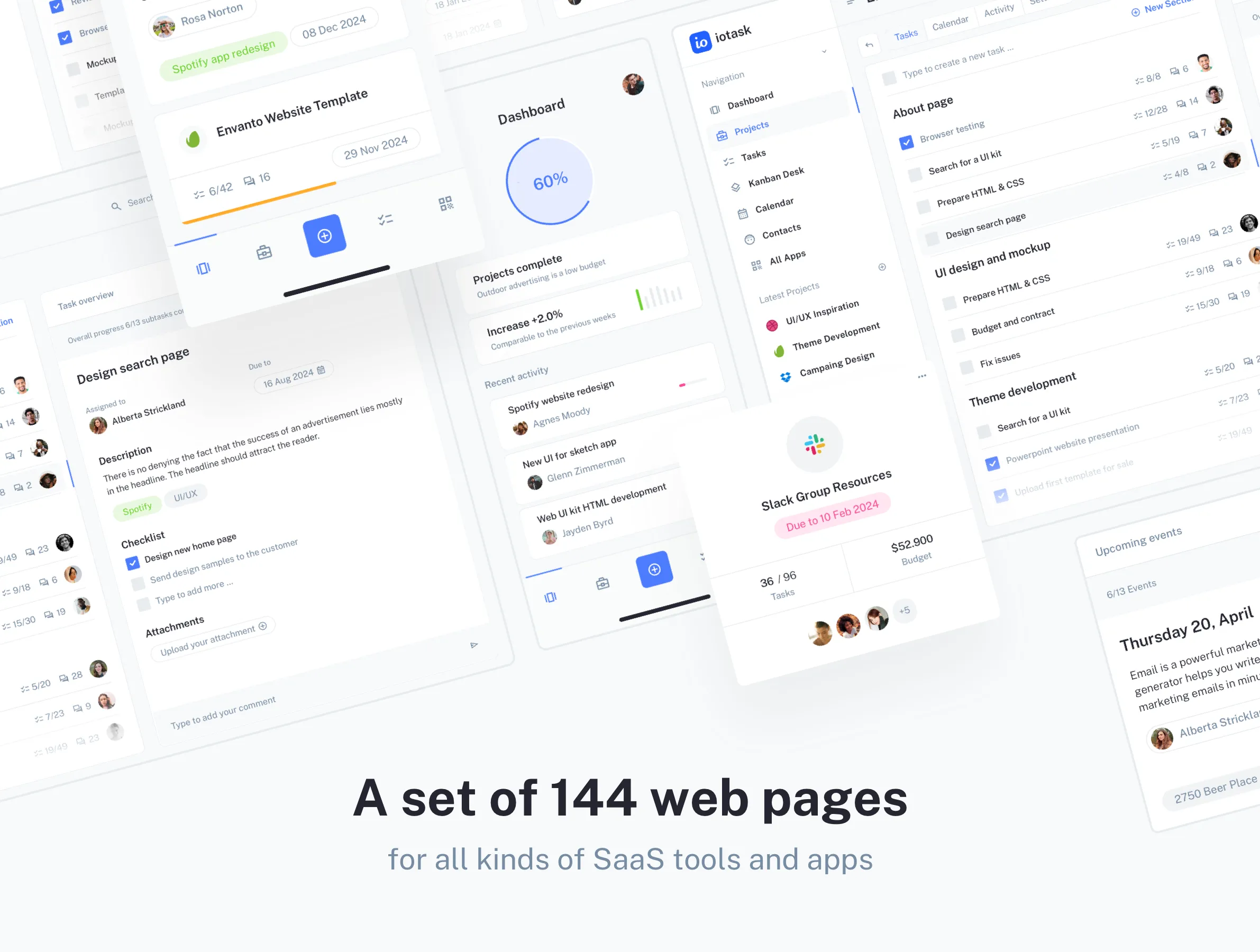
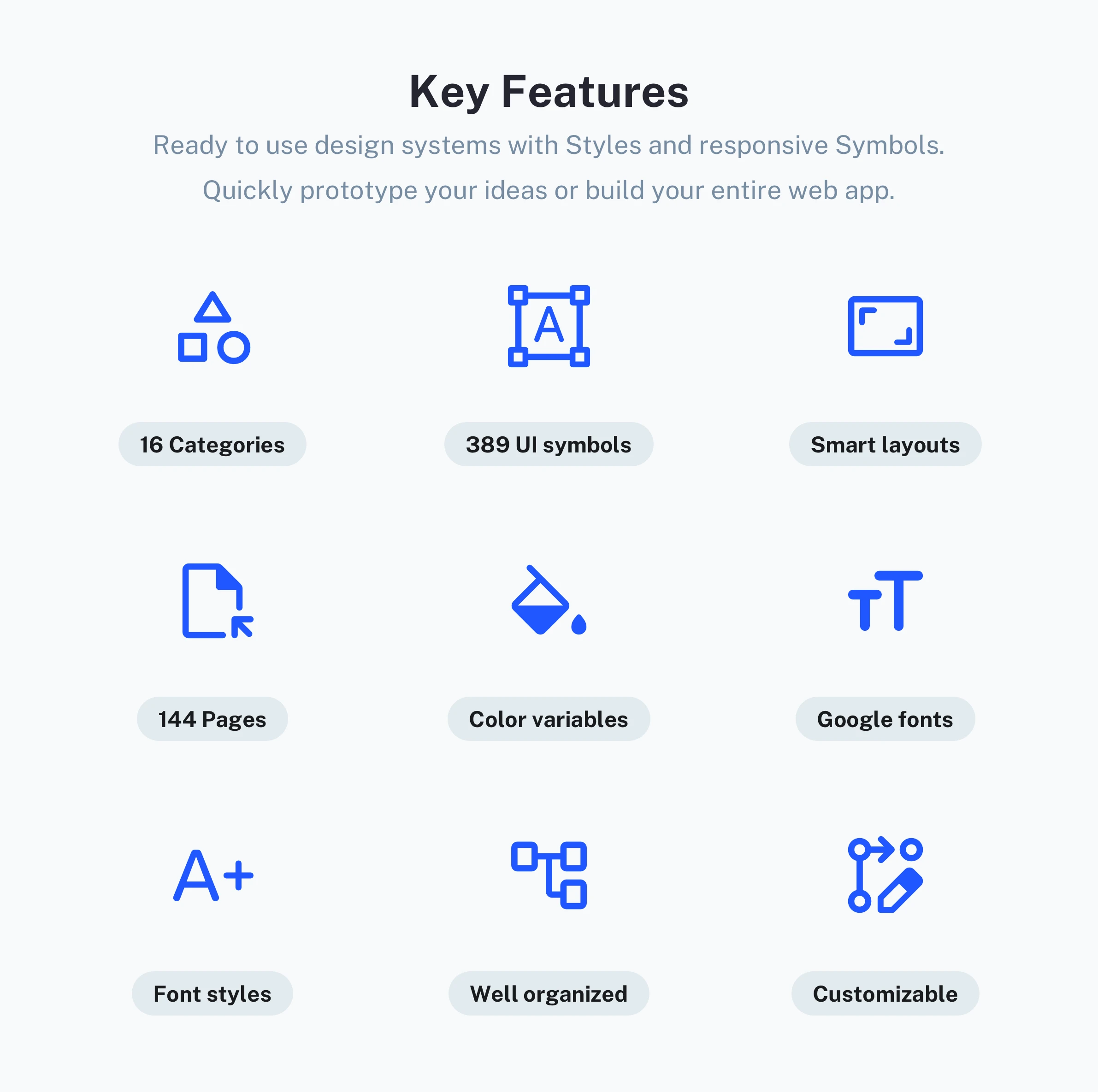
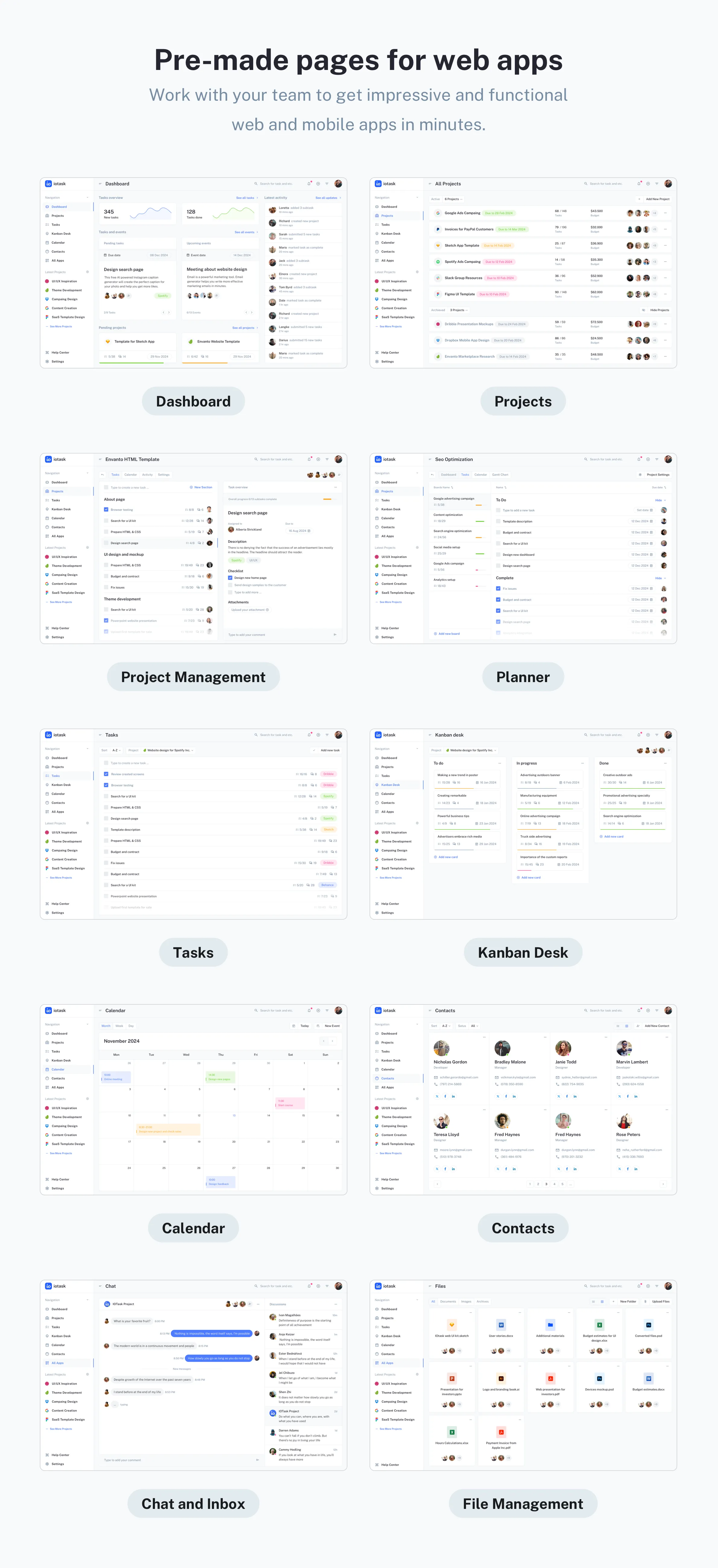
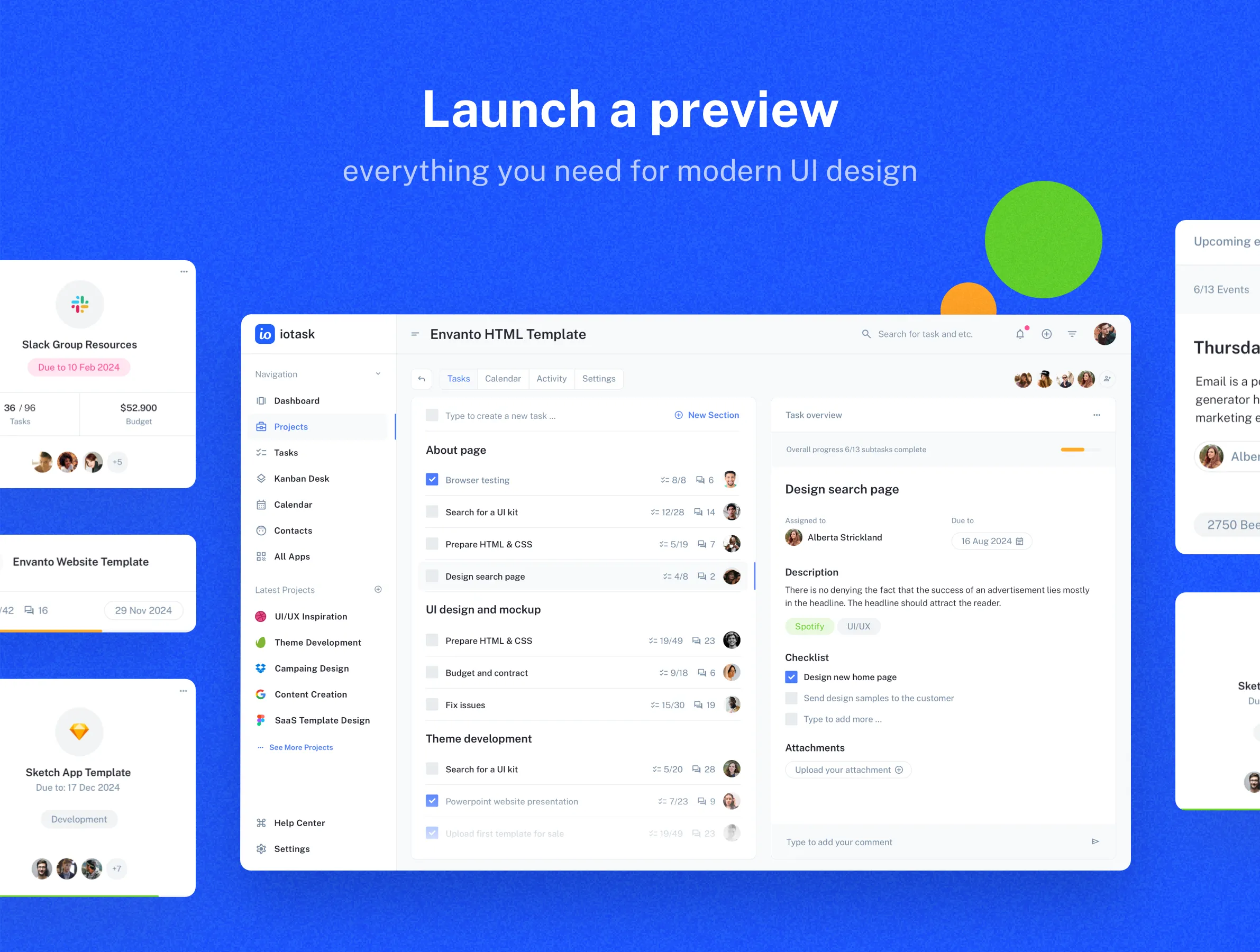
IOTASK Web UI kit is a modern, clean, and very detailed UI design kit compatible with Figma and Sketch app. We designed 144 beautiful pages for your future SaaS project. Use a set of 386 unique UI kit components to build your digital product. All symbols and objects in the built-in Design System are vector-based and easily editable. This UI kit is perfect for any SaaS projects, project management services, team productivity portals, and ToDo tools. More about key features:
- A set of 144 unique web pages: Resources for all kinds of SaaS tools and apps.
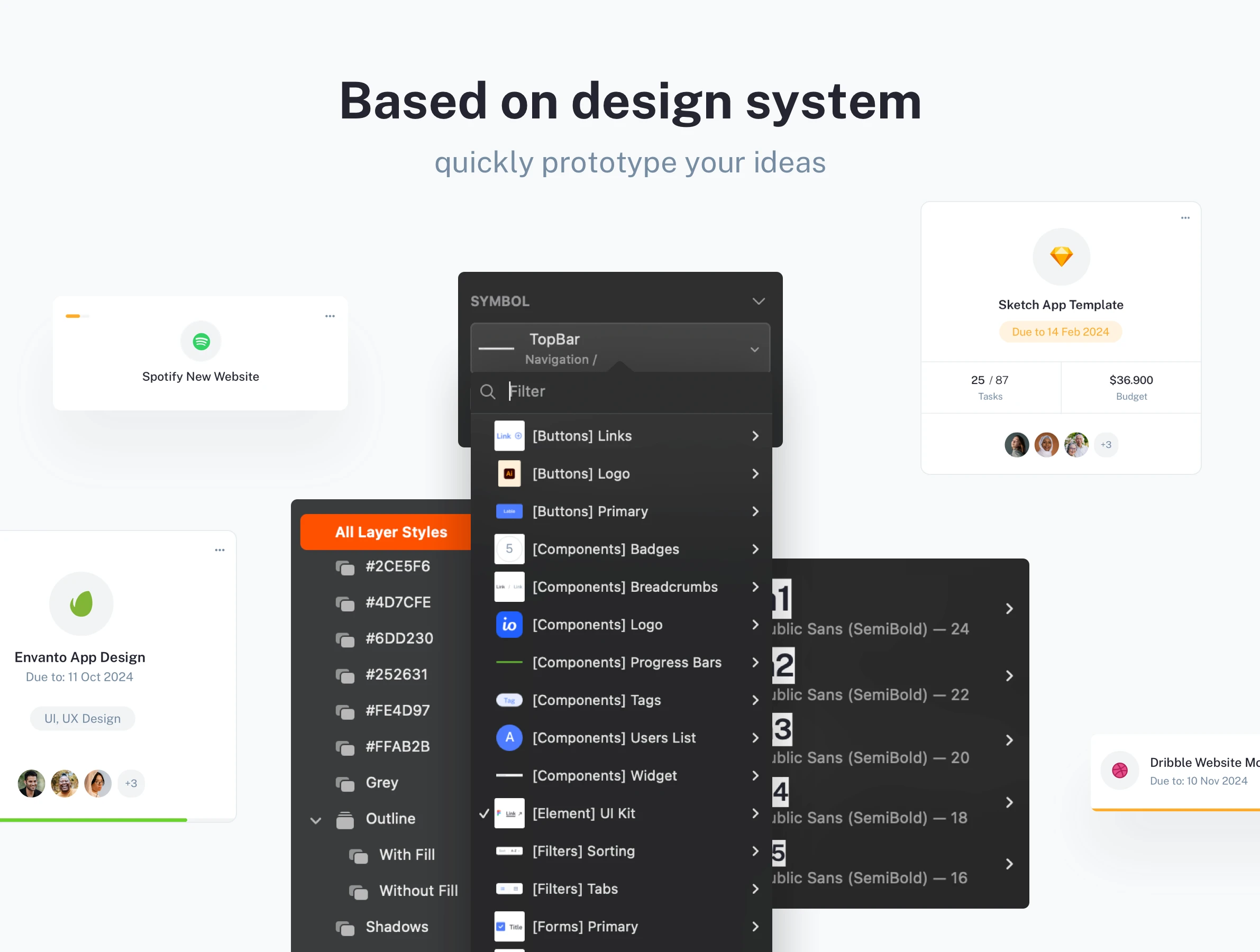
- Based on a built-in design system: Ready-to-use design systems with Styles and responsive Symbols.
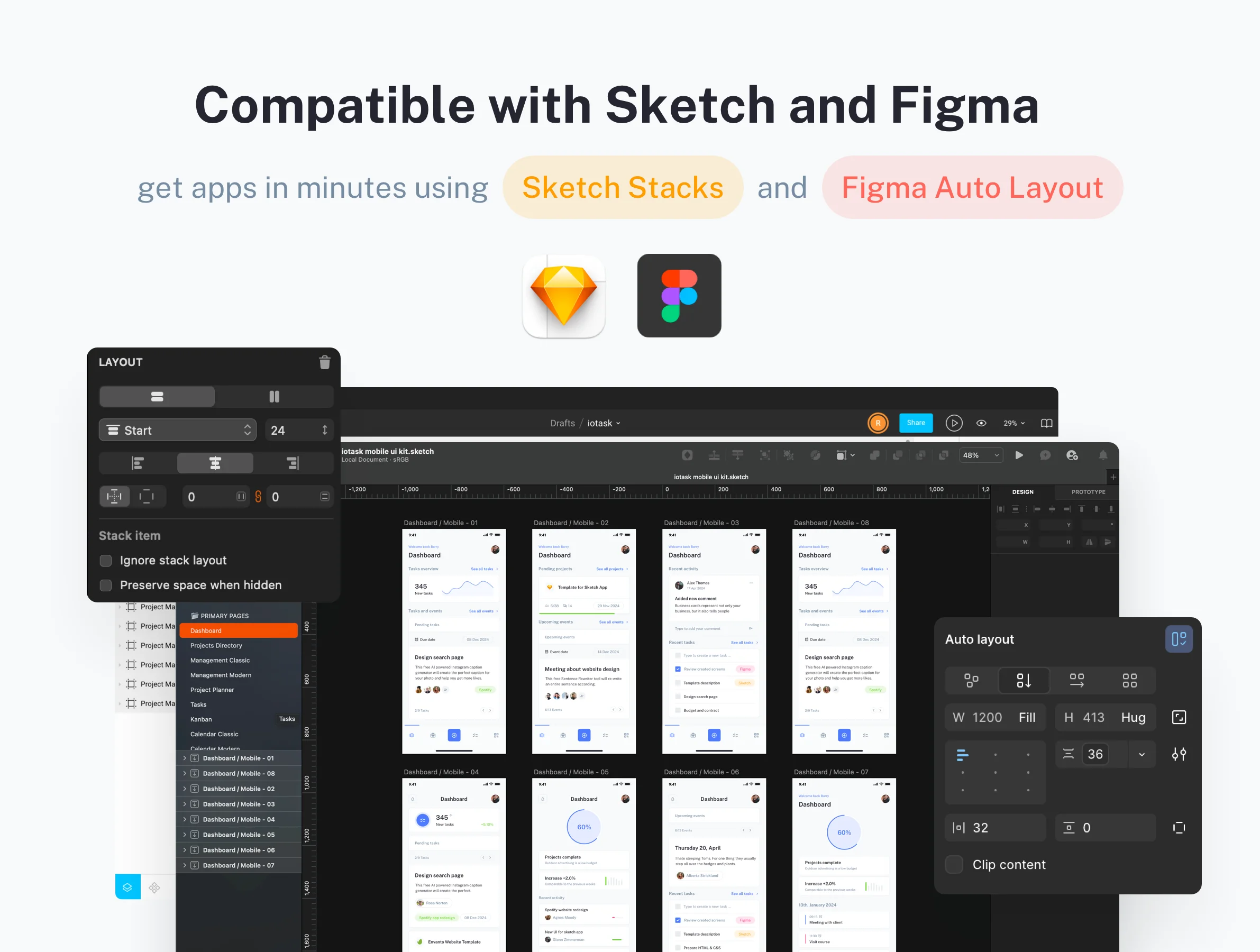
- Compatible with Sketch and Figma: Work with your team to get impressive functional web and mobile apps using Sketch Stacks and Figma Auto Layout in minutes.
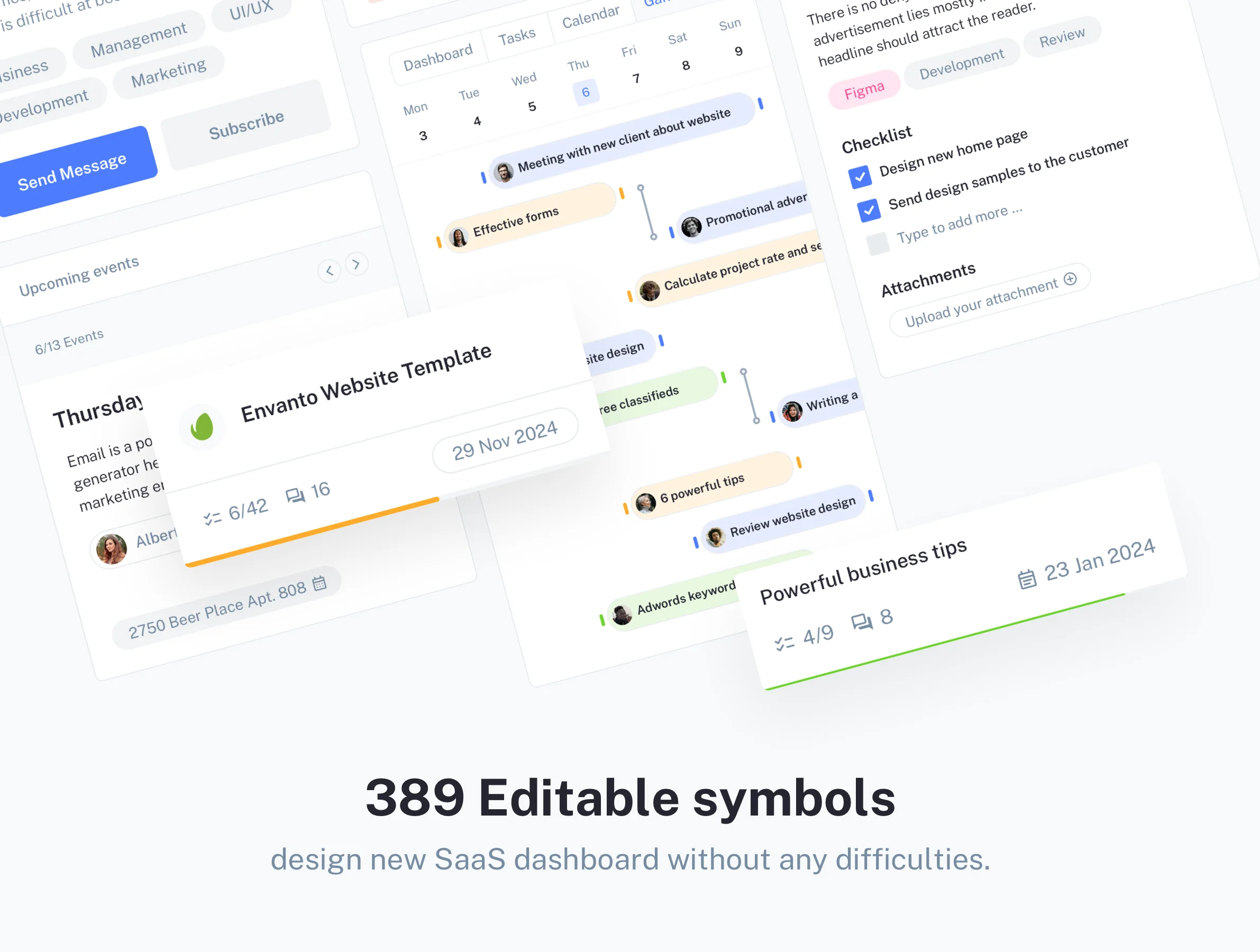
- 389 Editable symbols: With our symbols and styles gallery, you will build your dashboard or page without any difficulties.
UI kit components
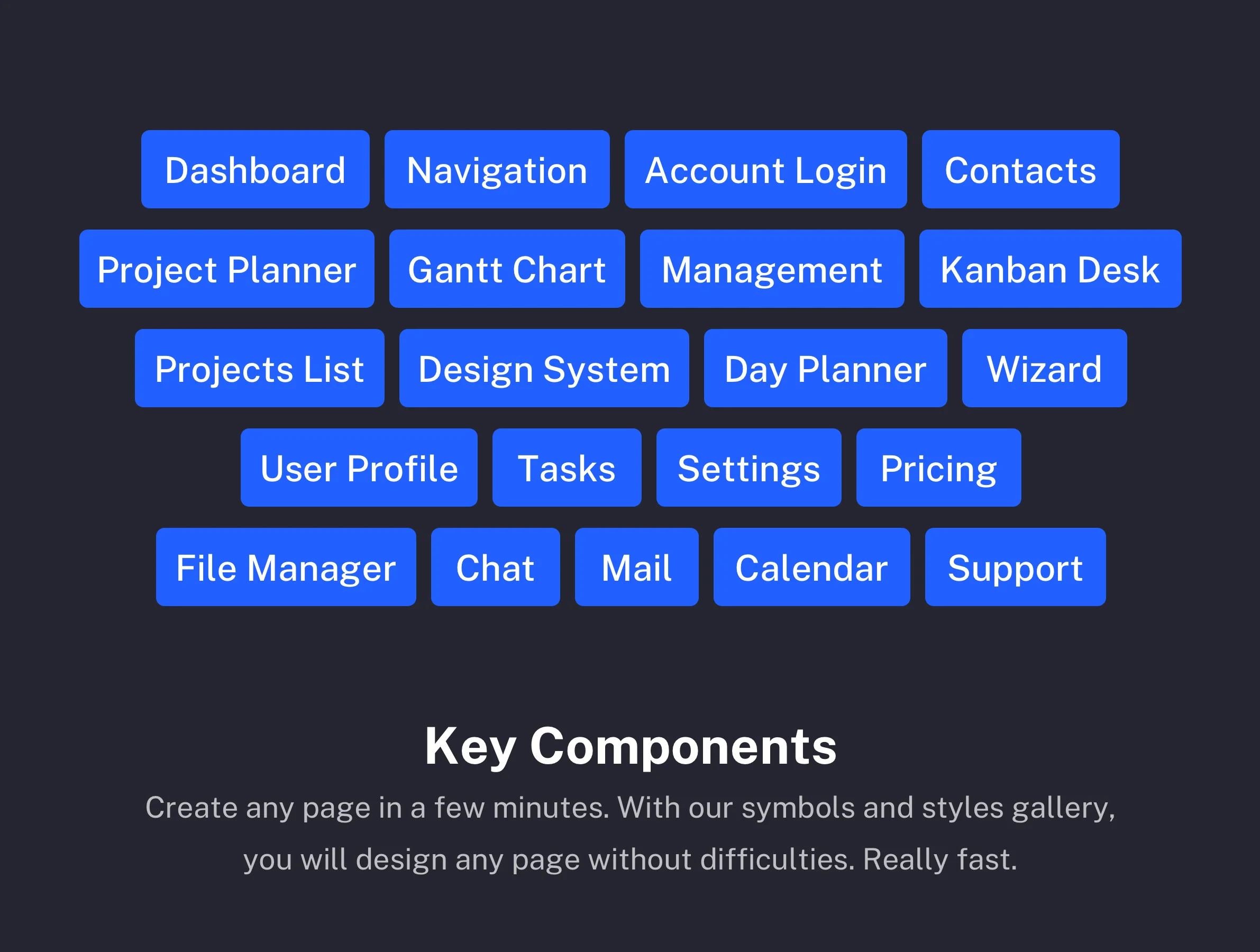
After purchasing this UI kit you will get Login pages, a Dashboard (Admin page), Project listings, Project management pages, Task pages, a Kanban desk, Calendar pages, Contacts listings, Profile settings, Inbox (Mail pages), and, Chat pages. See the live preview for more details.
This comprehensive design architecture is not just a collection of screens; it is a scalable system designed to adapt to your specific product needs. The strict adherence to component-based design ensures consistency across all 144 pages, facilitating seamless future updates and rapid prototyping. Whether you are launching a startup or migrating an existing enterprise-level service, IOTASK minimizes the design-to-development handover time. This focus on utility and organization translates directly into a more efficient workflow, empowering teams to concentrate on backend functionality while the front-end aesthetics are already polished and user-ready.
Package difference
With the latest release, we updated packages that you may purchase. If you purchased Personal or Commercial license packages, you can request to upgrade to Premium and Commercial packages. Please contact us about the upgrade, and you will need to pay only the difference between the purchased packages. Here you can find more details about packages available for new or existing customers:
- Personal Package - includes only the web UI kit (144 pages and 389 UI symbols) and falls under personal license terms.
- Premium Package - this package also falls under personal license terms but includes both web and mobile UI kits (286 pages and 444 UI symbols) combined into one source file compatible with Sketch and Figma.
- Commercial Package - includes combined web and mobile UI kits (286 pages and 444 UI symbols), and falls under commercial license terms.
Please refer to the preview of pages for the web UI kit and screens for the mobile UI kit that you will get after the purchase.
Changelog
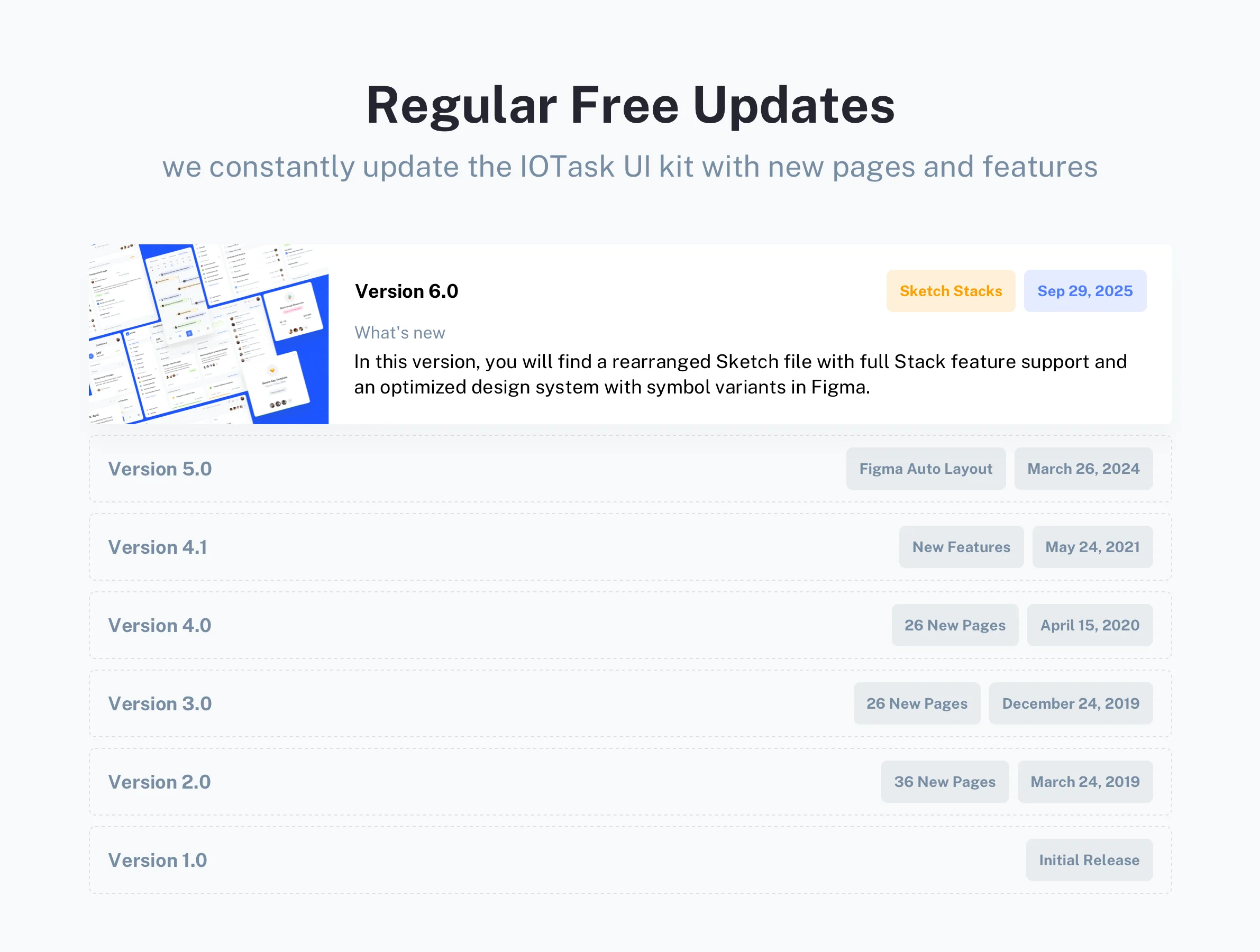
We constantly update the IOTask UI kit with new pages, featuresand maintain apps compatibility.
- ๐ Sep 29, 2025 - In this version, you will find a rearranged Sketch file with full Stack feature support and an optimized design system with symbol variants in Figma.
- ๐ Mar 24, 2024 - New Design System with a modern design. Auto-layout support for Figma.
- ๐ May 24, 2021 - Added support for the latest Sketch and Figma features.
- ๐ Apr 15, 2020 - 26 New pages added.
- ๐ Dec 24, 2019 - 26 New pages added.
- ๐ Mar 24, 2019 - 36 New pages added.
- ๐ Aug 16, 2018 - Initial release.
Please note that the IOTask Mobile UI kit is sold as a completely separate product version or as a part of Premium Package. If you are looking to design responsive mobile applications alongside your web platform, you will need to purchase the mobile edition independently.
Product summary
144 Pages
Breakpoints for
Web
389 UI components
Google Fonts
Design System
Light and Dark UI theme
Material Symbols & Icons
Framer components
Vector-based components
Content backed by Framer CMS
Styles & Color Variables
Well-organized design files
Figma Auto Layout
Sketch Stack Layout
Questions we get asked the most
Build Better Web Apps Faster with IOTask. If you want to build a modern web application quickly and without stress, having the right tools is essential. IOTask is a powerful web ui kit created to make your design process faster and much easier. Featuring 144 ready-to-use web pages, it is specifically made for building project management platforms, admin dashboards, and complex web tools. Whether you are launching a brand-new startup or upgrading an existing platform, this kit gives you a very solid foundation.
Designing a digital product from the ground up takes hundreds of hours, but using a well-structured design system solves this problem completely. IOTask provides a massive library of 389 easily customizable web components. You get beautifully crafted pages for kanban boards, interactive calendars, messaging chats, and detailed user profiles. Because of its incredible flexibility, it serves as the perfect ui kit for saas products. You never have to start with a blank screen again. Additionally, if you are developing customer relationship tools, this crm ui kit offers pre-built data tables and analytic layouts that you can adapt in just a few minutes.
Another huge advantage of IOTask is how easily it fits into modern workflows. You can open the files directly in Figma Make and start prototyping instantly. Because the kit fully supports Figma Auto Layout, you can drag and drop components, resize web elements effortlessly, and change styles to match your exact brand guidelines.
You can also take your workflow to the next level by combining this kit with AI tools like Claude. Just upload screenshots of the IOTask web layouts to Claude and ask the AI to generate new interface variations or write the front-end code (such as React or Tailwind CSS). Claude easily understands the clear structure of these designs and can help you turn visual interfaces into fully working web pages in record time.
Stop wasting your valuable time drawing basic buttons and menus. IOTask gives you a complete, web-focused design architecture so you can focus on delivering a highly functional product to your users.
Upon the release of any new version, you will be promptly notified via email. All forthcoming updates are provided free of charge, ensuring your design system remains current and continually enhanced. These updates consistently introduce valuable new features, maintain compatibility with the latest application versions (including Figma, Sketch, and Framer), and integrate performance improvements.
For comprehensive details regarding our licensing rules, permitted usage, and any restrictions, kindly consult the dedicated license page. Should you require an upgrade to a previously acquired license, please reach out to our support team to receive a unique upgrade code. This ensures a seamless and compliant transition to the enhanced usage tier your project requires.
For detailed information about the refund policy, please visit the refund page. Given the digital nature of our products, all sales are final. Refunds are exclusively granted under a few limited conditions.
To get started, go to your download folder and open the Remix link PDF file. Clicking this link will prompt you to either create a new Framer account or copy the theme to your existing one. You can find more detailed instructions in the help files included with your purchase.
Learn more in quickstart guide
You can get a 25% discount on a PRO annual subscription when you use our unique partner link and subscribe with the promo code. Check out more details about Framer Discount Code
Please check the downloaded files for any additional font packages. These files must be installed on your PC or Mac, and the graphics editor (Figma or Sketch) must then be restarted to ensure the fonts are properly loaded. Learn how to install Google fonts
Please check the downloaded files for Material icons font package. These files must be installed on your PC or Mac, and the graphics editor (Figma or Sketch) must then be restarted to ensure the fonts are properly loaded. Learn how to install Material icons font
Following your purchase, you will receive dedicated assistance for any inquiries or technical issues you may encounter. All clients receive support exclusively via email. Please visit the contact us page for more details. This structured approach ensures that you receive detailed, documented solutions from our expert team, typically within one business day.