About the product
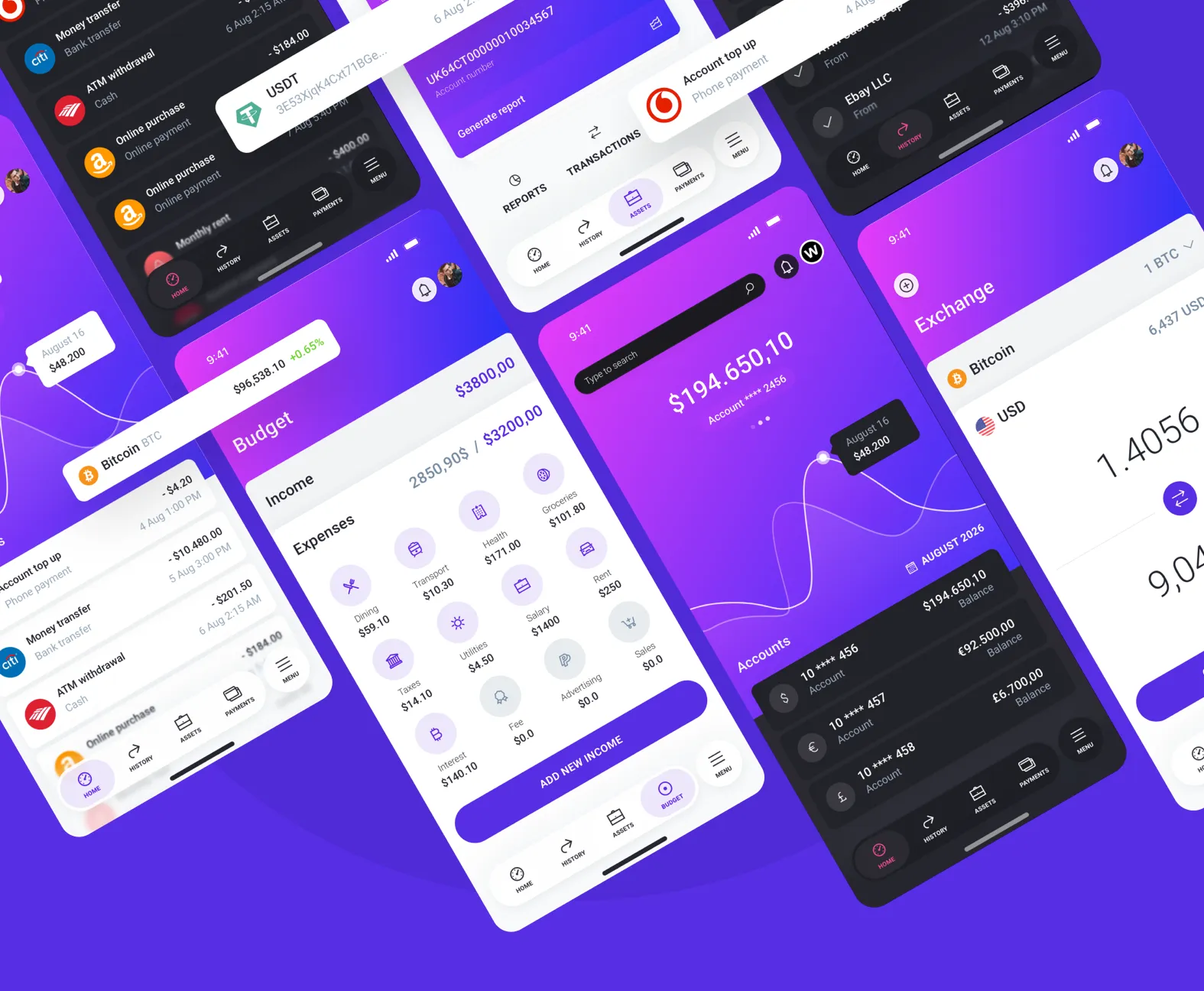
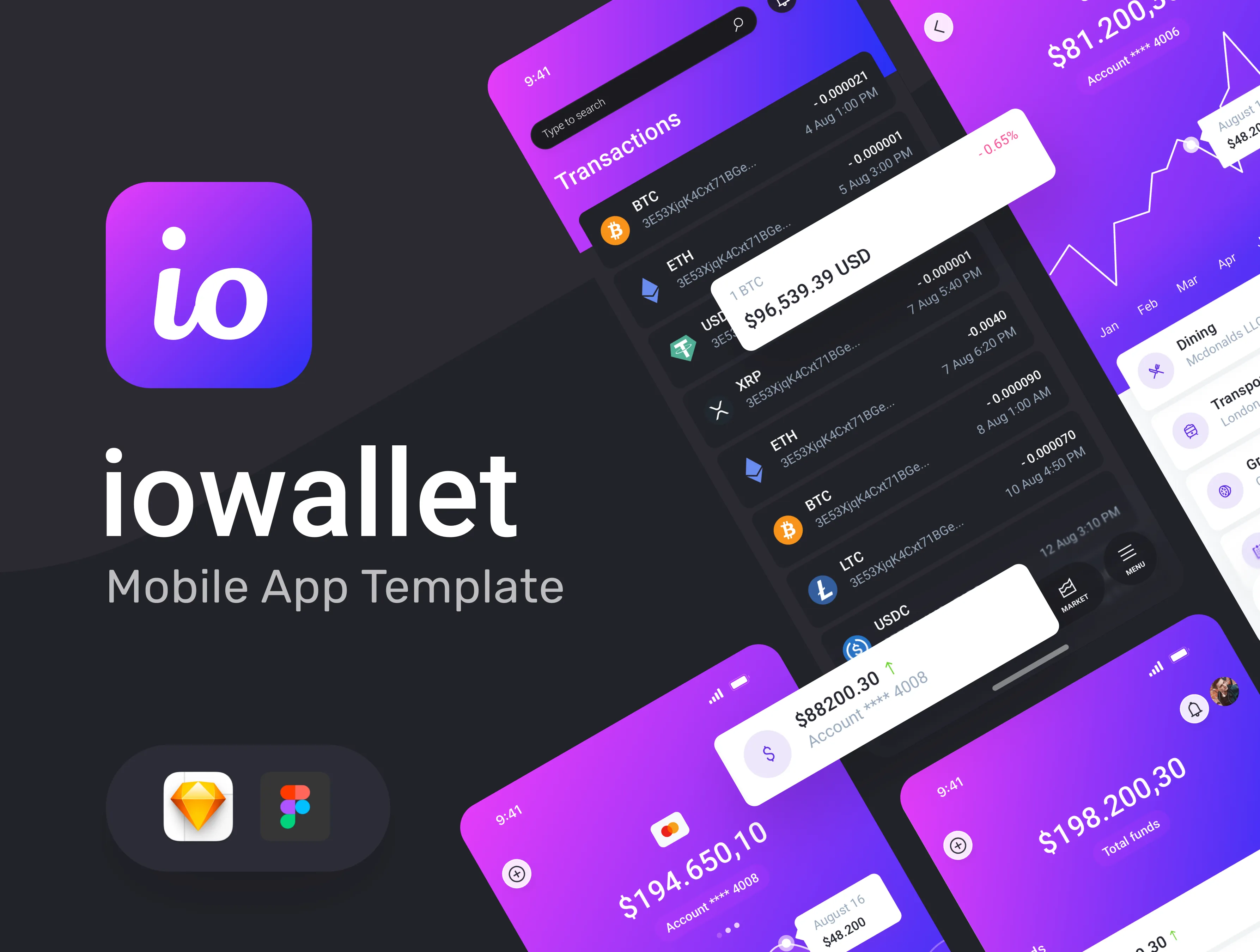
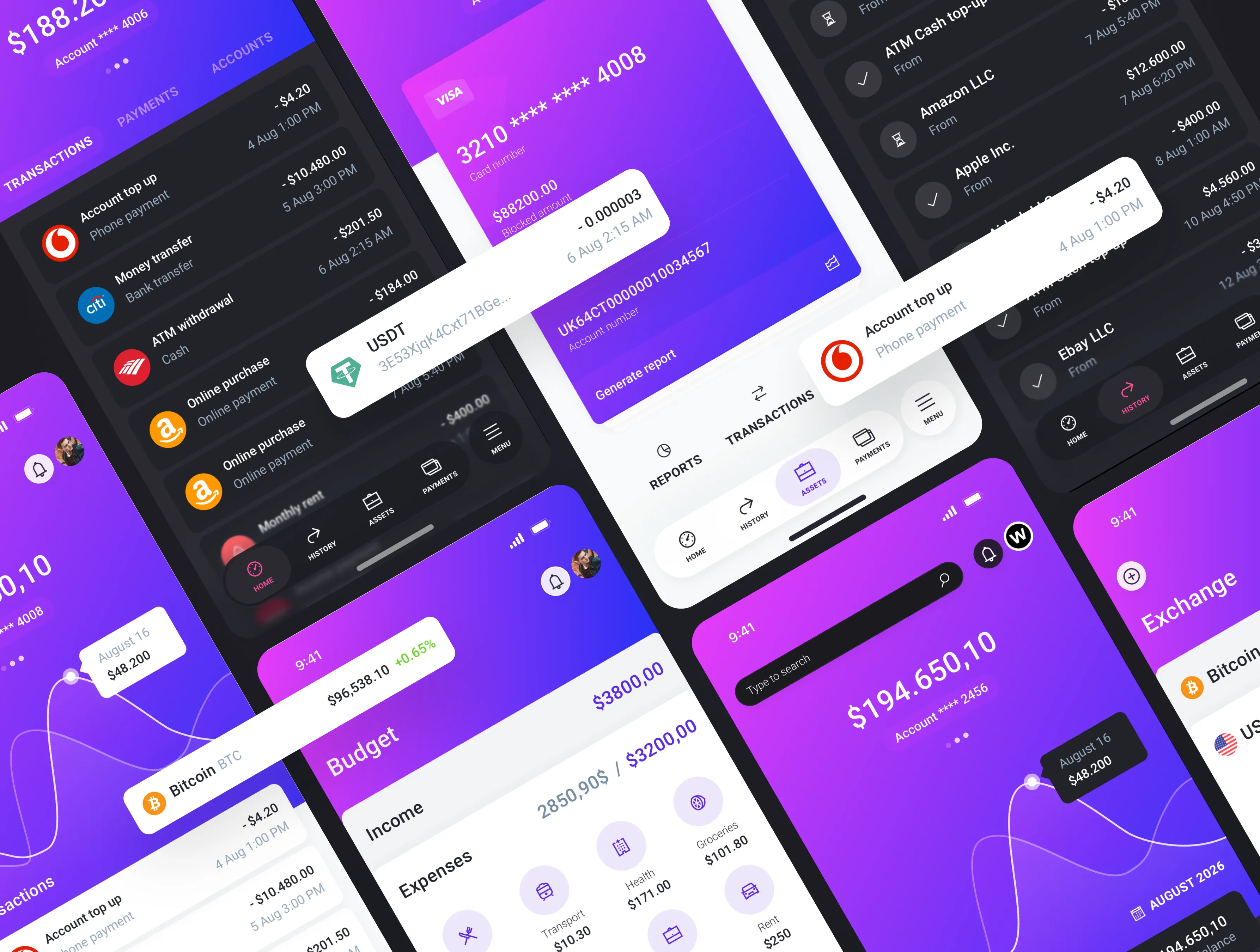
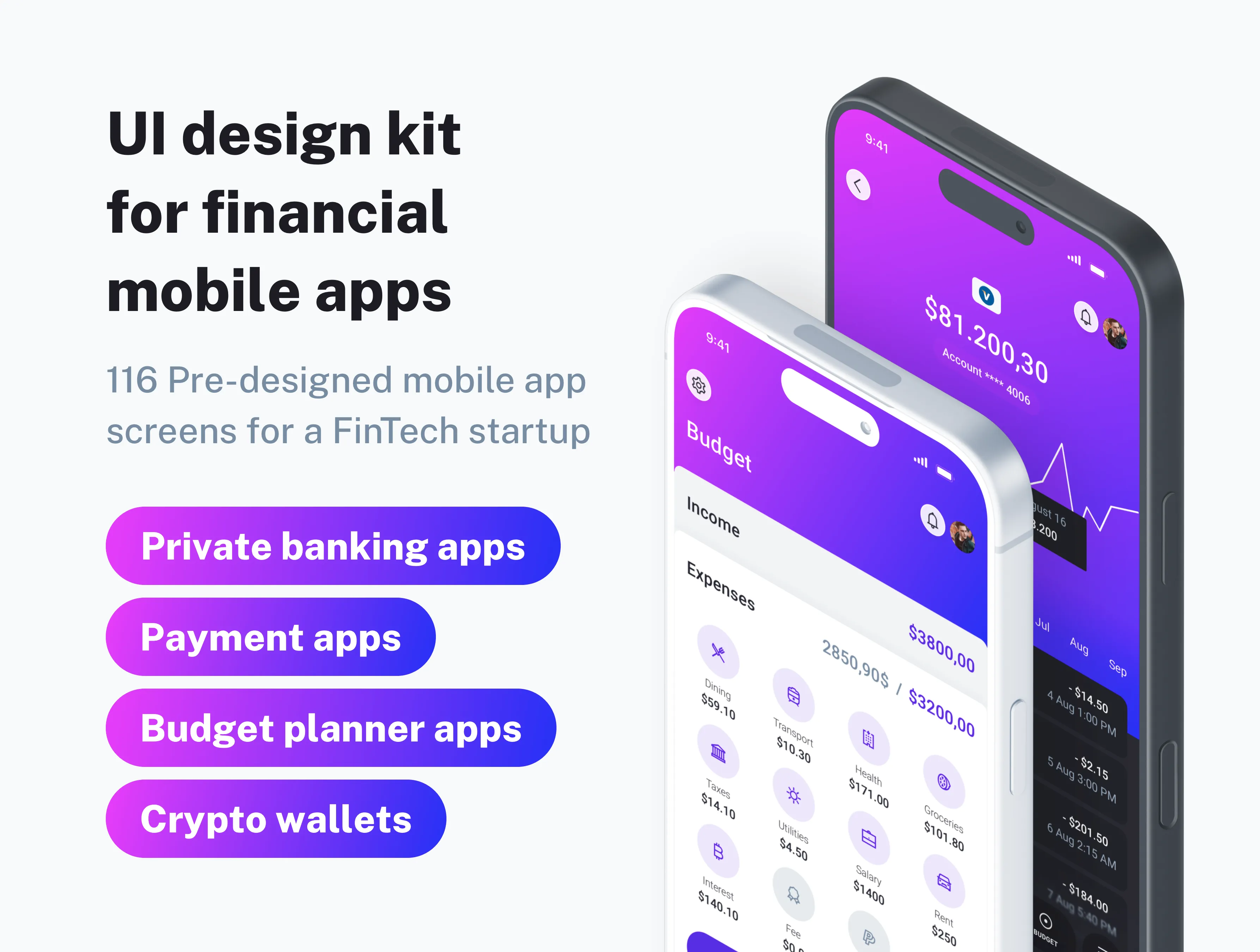
IOWallet is a modern, clean, and highly detailed UI kit crafted for both iOS and Android apps. This comprehensive template serves as the foundation for building a diverse array of financial mobile applications, from traditional banking interfaces and crypto-asset wallets to sophisticated budget planners.
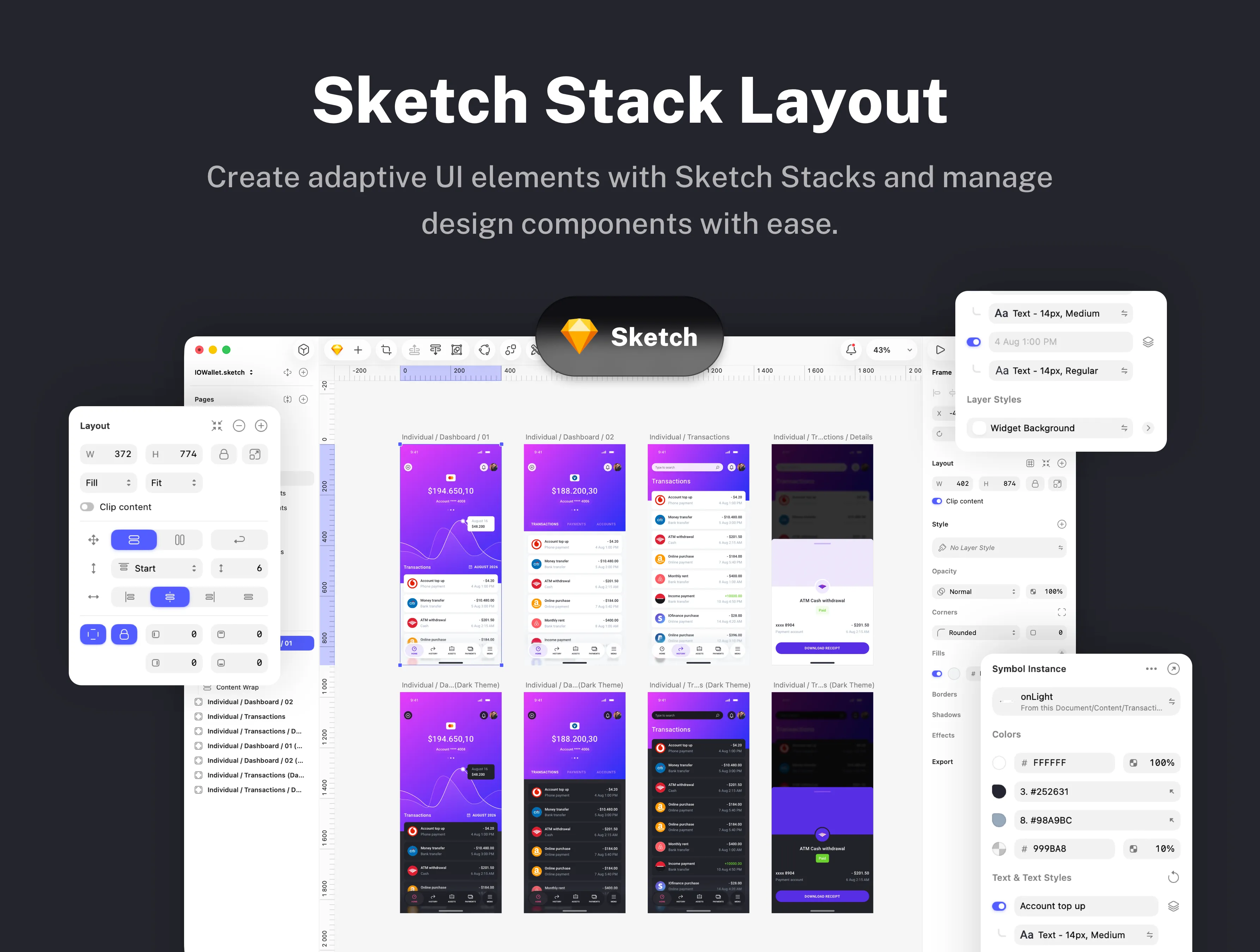
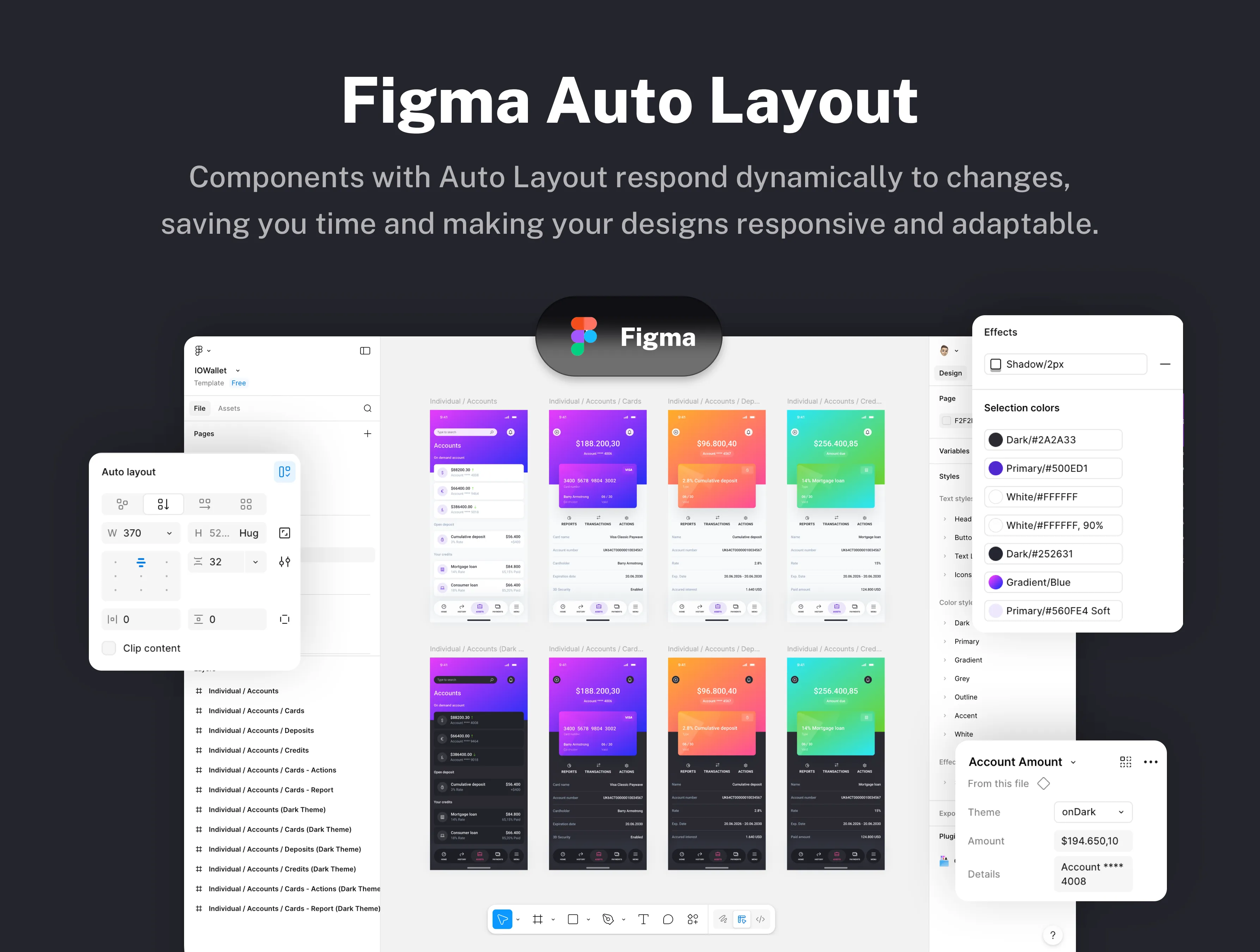
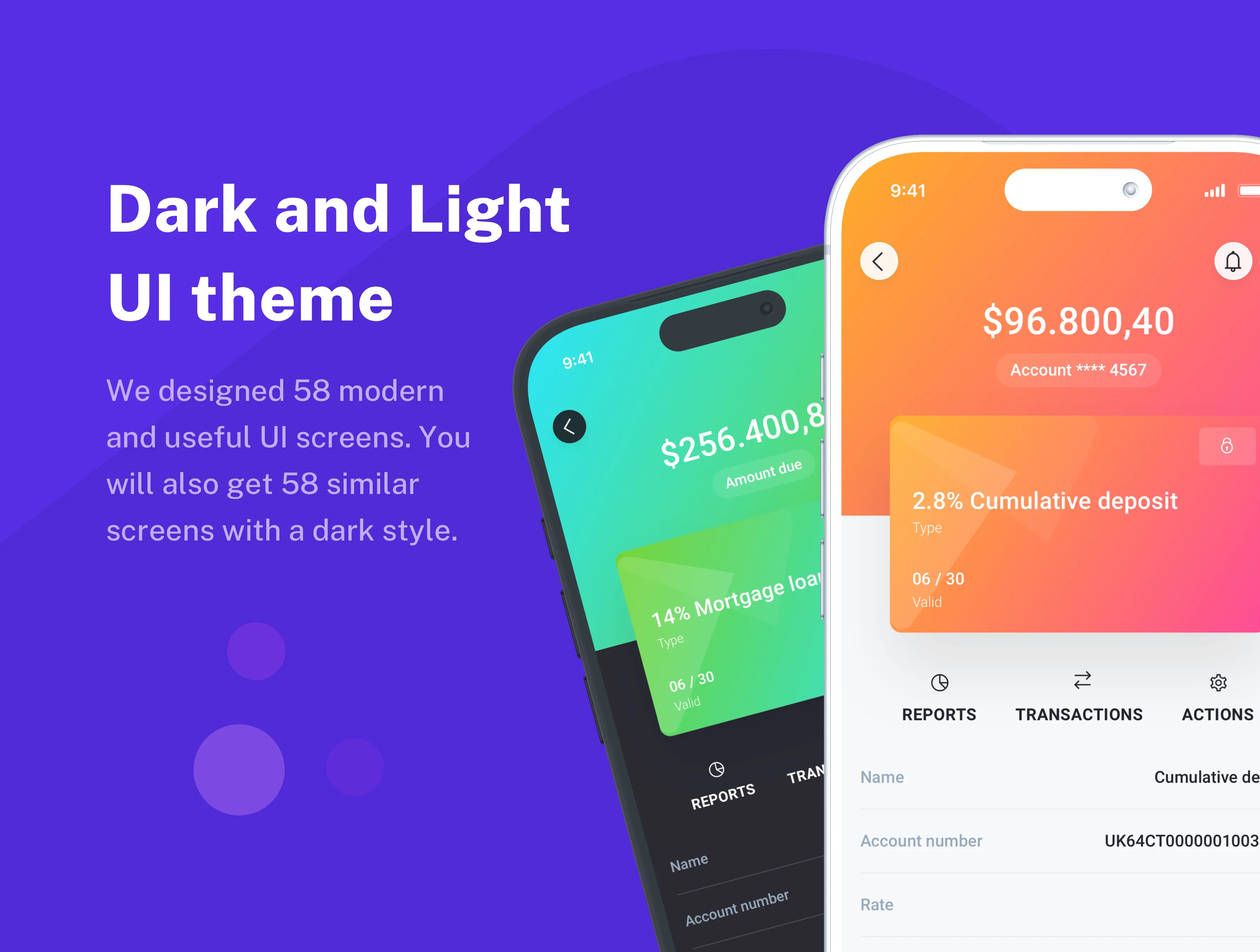
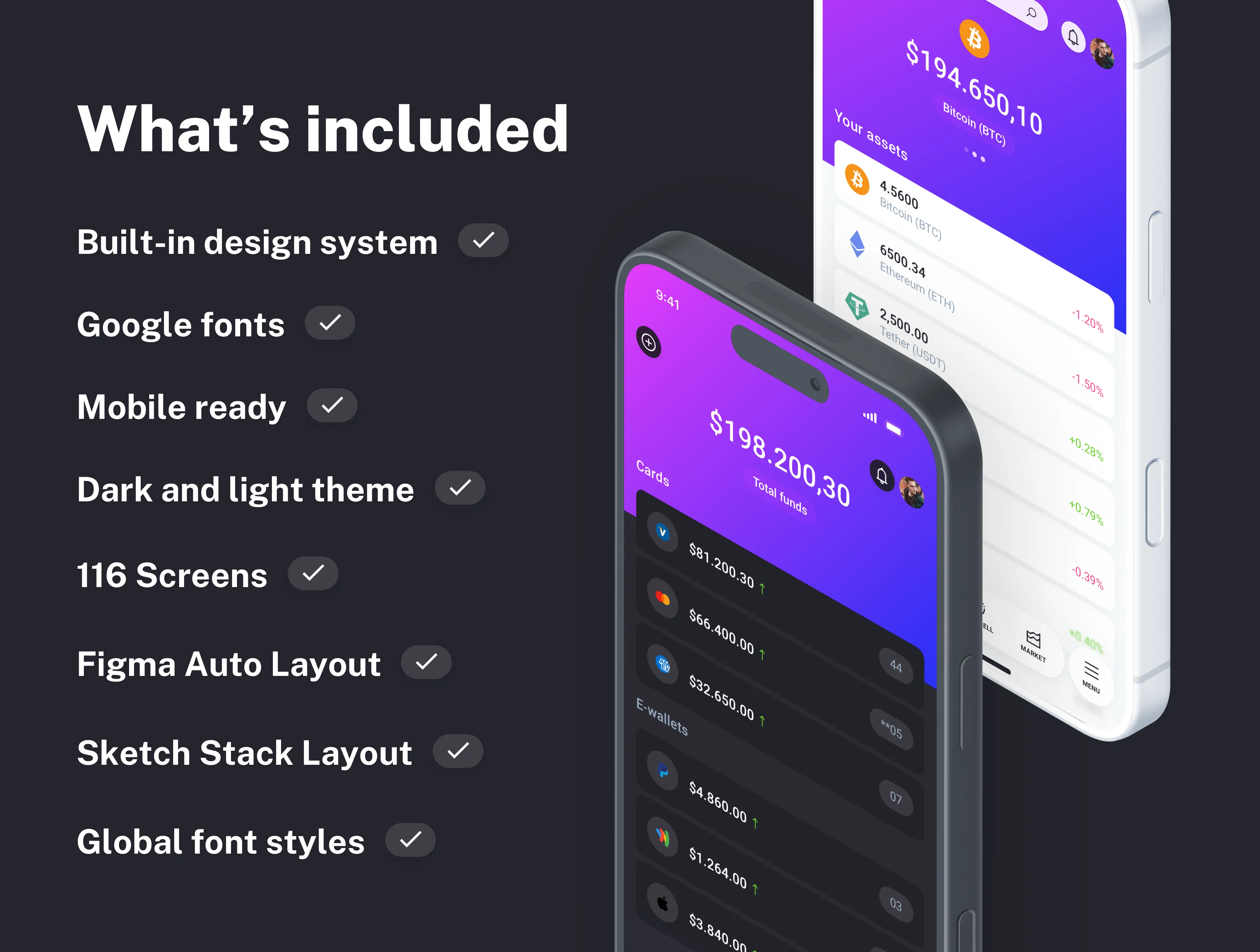
We have designed 116 beautiful, unique screens, each pixel-perfect and optimized for mobile devices to ensure a seamless, fluid user experience. Every component is vector-based and fully editable, granting you total creative freedom to tweak layouts or scale elements without losing quality with Sketch Stacks and Figma Auto Layout. The kit utilizes a free Google Font and an embedded icon font, both of which are easily swappable to align with your specific brand identity.
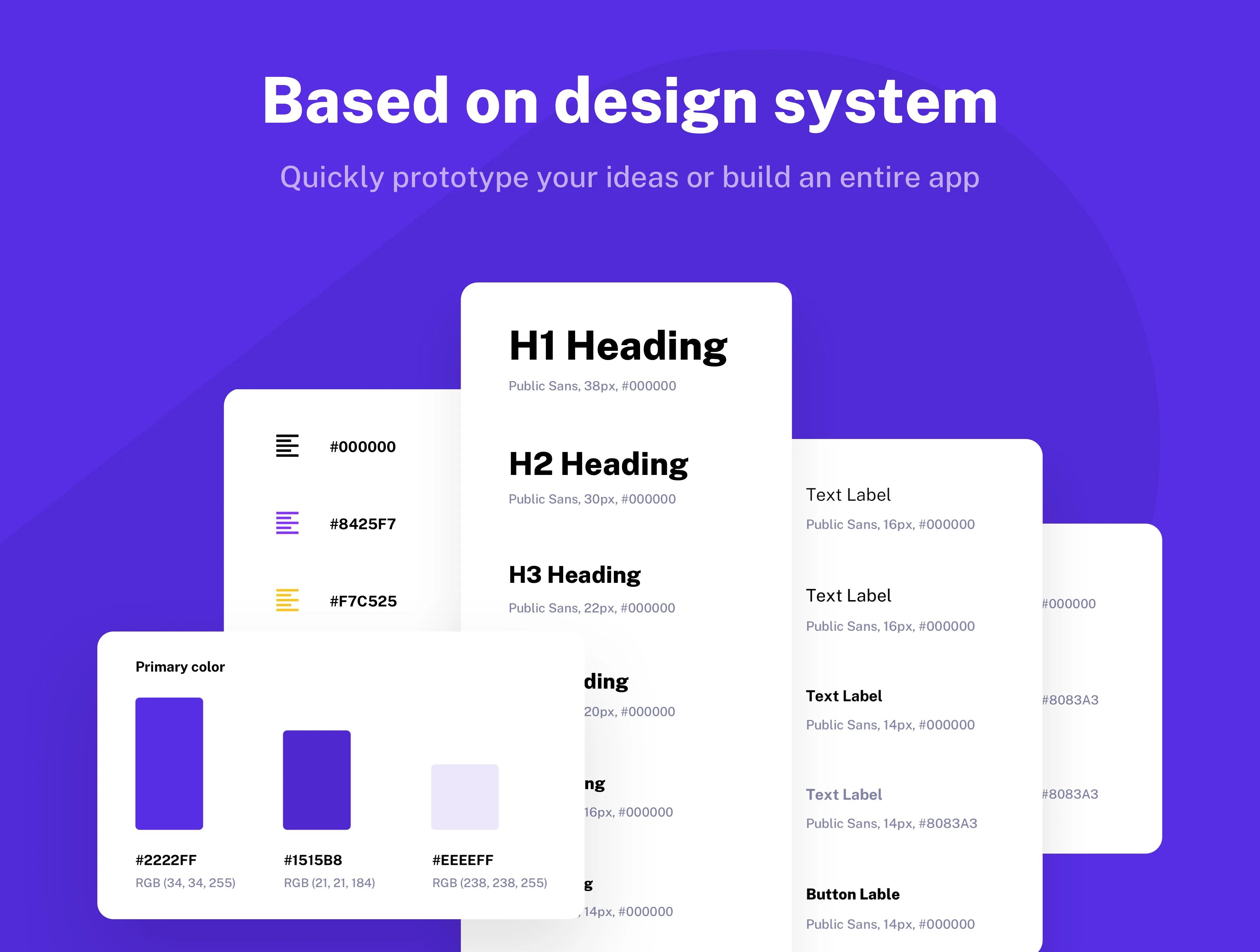
IOWallet is more than just a template; it is a robust design system tailored for fintech and SaaS applications. It features dedicated modules for:
- Corporate & Individual Banking: Tailored flows for high-volume business transactions or daily personal use.
- Personal Wallets: Intuitive layouts for tracking day-to-day spending.
- Cryptocurrency Ecosystems: Specialized screens for managing digital assets, viewing live market trends, and executing secure trades.
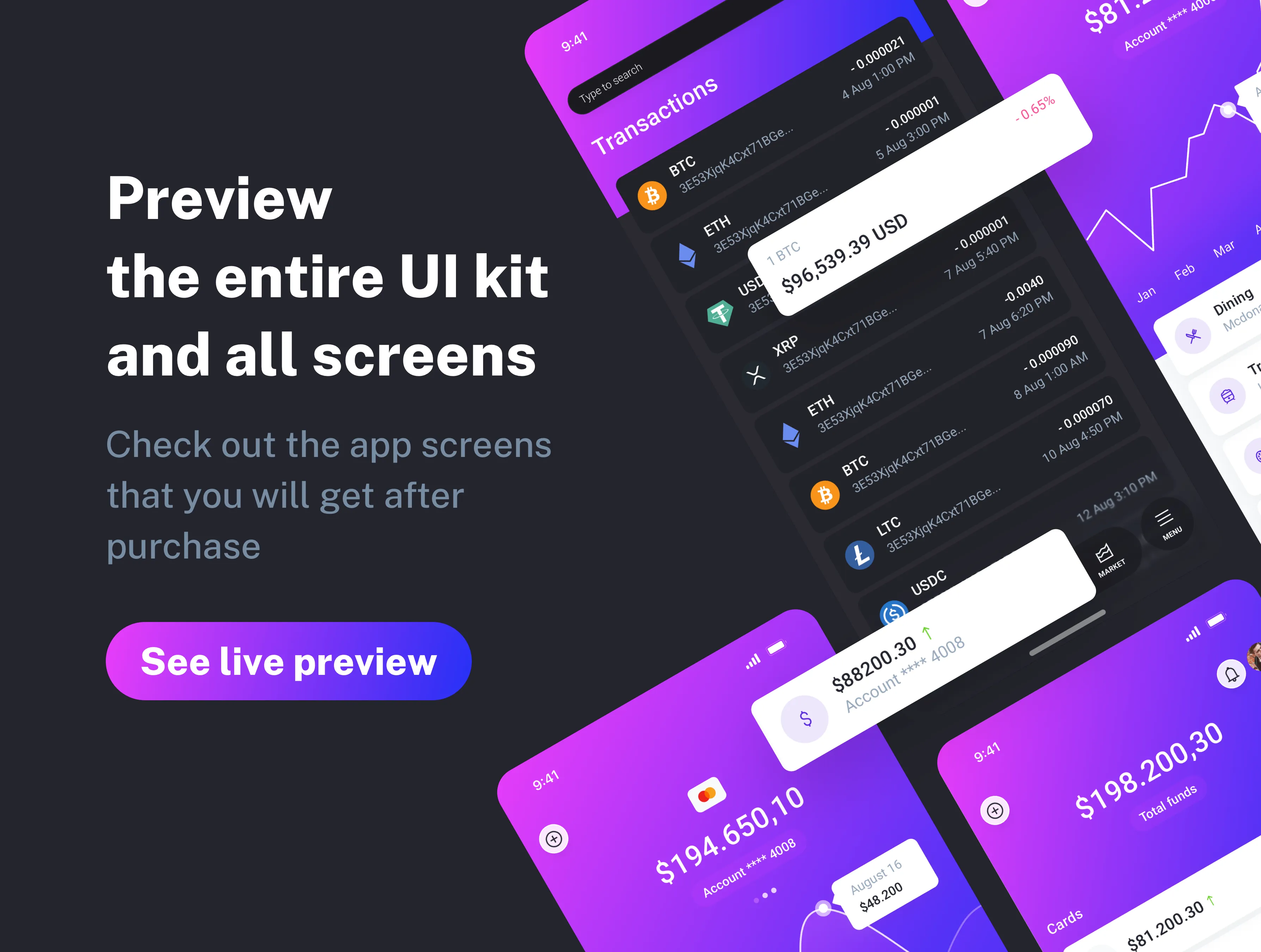
Upon purchase, you gain access to an expansive library of pre-designed screens. This includes essential entry points like splash screens and onboarding flows, as well as high-utility pages such as:
- Detailed interactive dashboards and transaction histories.
- Payment gateways, invoice generators, and billing details.
- Comprehensive account reports, financial metrics, and card management.
- Crypto-stock monitoring and deep-level profile settings.
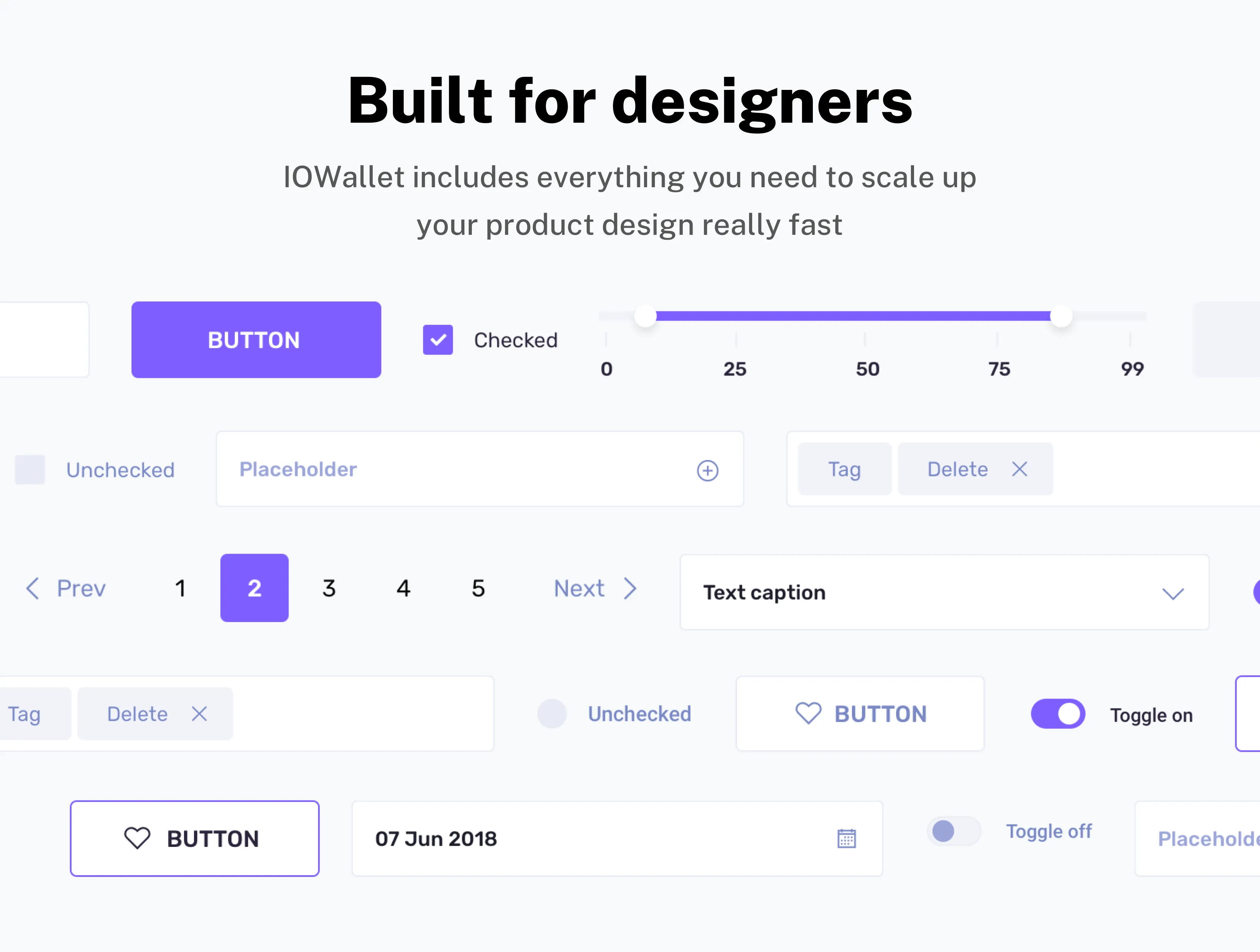
The mobile UI kit is built with a strict adherence to modern design standards, utilizing auto-layout and organized layers to facilitate a smooth handoff between designers and developers. This professional structure ensures a polished, consistent aesthetic across every feature, allowing you to focus your energy on high-level functionality and user engagement rather than basic UI construction.
Changelog
- 🚀 Jan 27, 2026 - Refactored design system, now featuring full support for the latest Sketch and Figma functionality. Added support for Sketch Stack Layout and Figma Auto Layout.
- 🔄 Apr 24, 2024 - Smart layout support for Sketch
- 🔄 Jun 26, 2023 - Auto layout support for Figma
- 🔄 May 28, 2019 - New document styles, new mobile screens
- 🔄 Feb 26, 2019 - New document styles, dark UI theme
- 🔄 Nov 15, 2018 - Initial Release
Product summary
116 Pages
Breakpoints for
Phone
10 Categories
Google Fonts
Design System
Light and Dark UI theme
Material Symbols & Icons
Framer components
Vector-based components
Content backed by Framer CMS
Styles & Color Variables
Well-organized design files
Figma Auto Layout
Sketch Stack Layout
Questions we get asked the most