
About the product
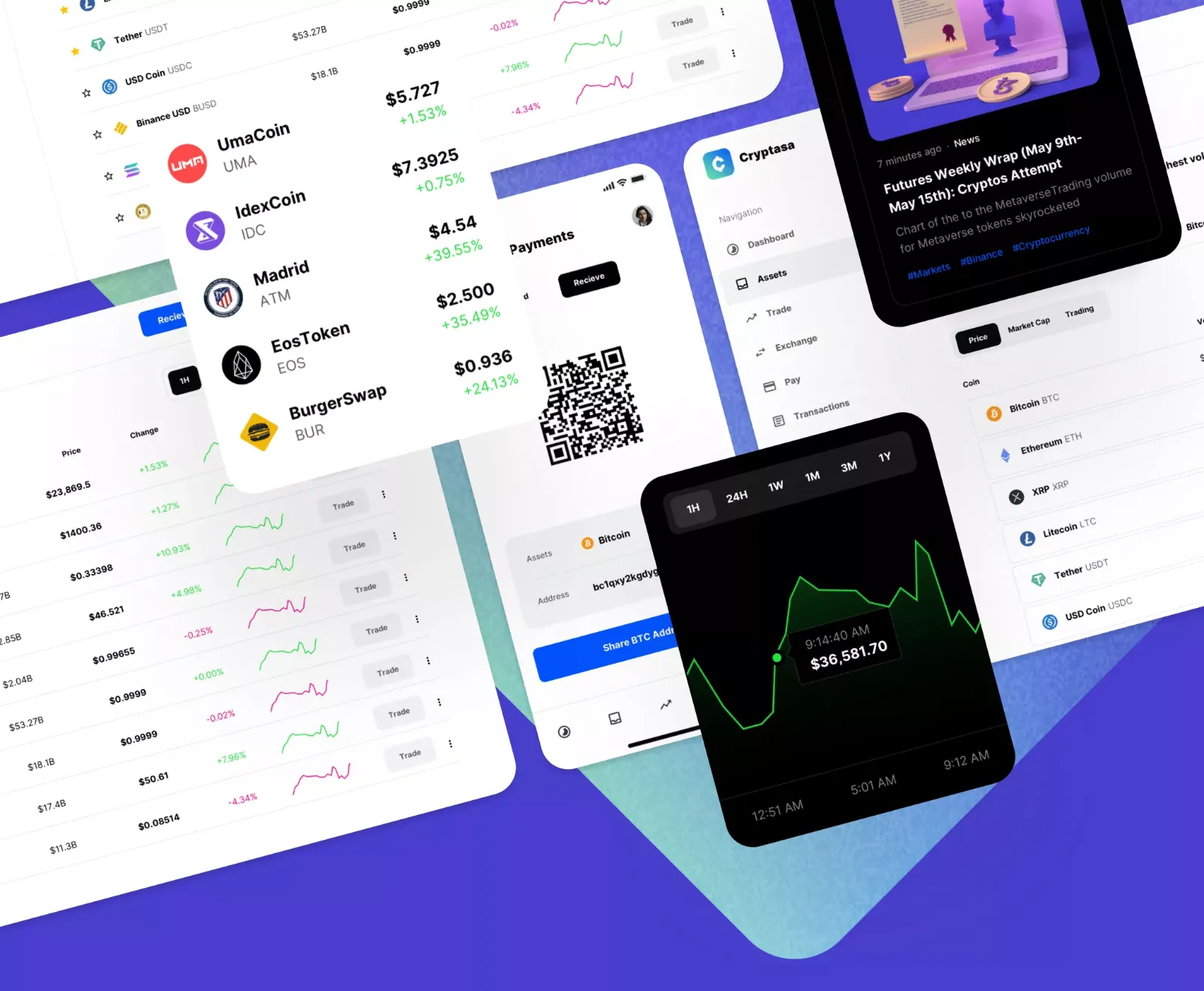
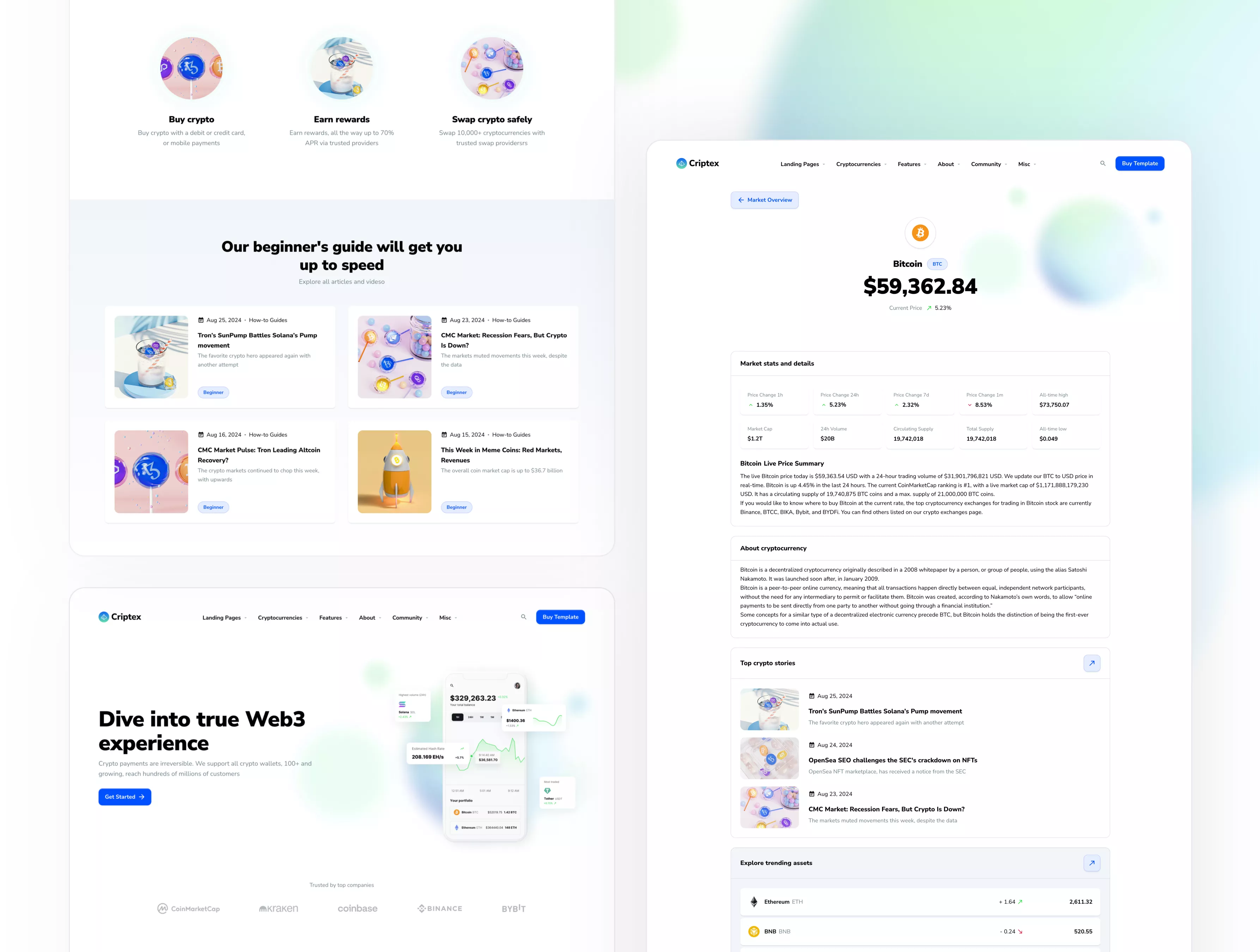
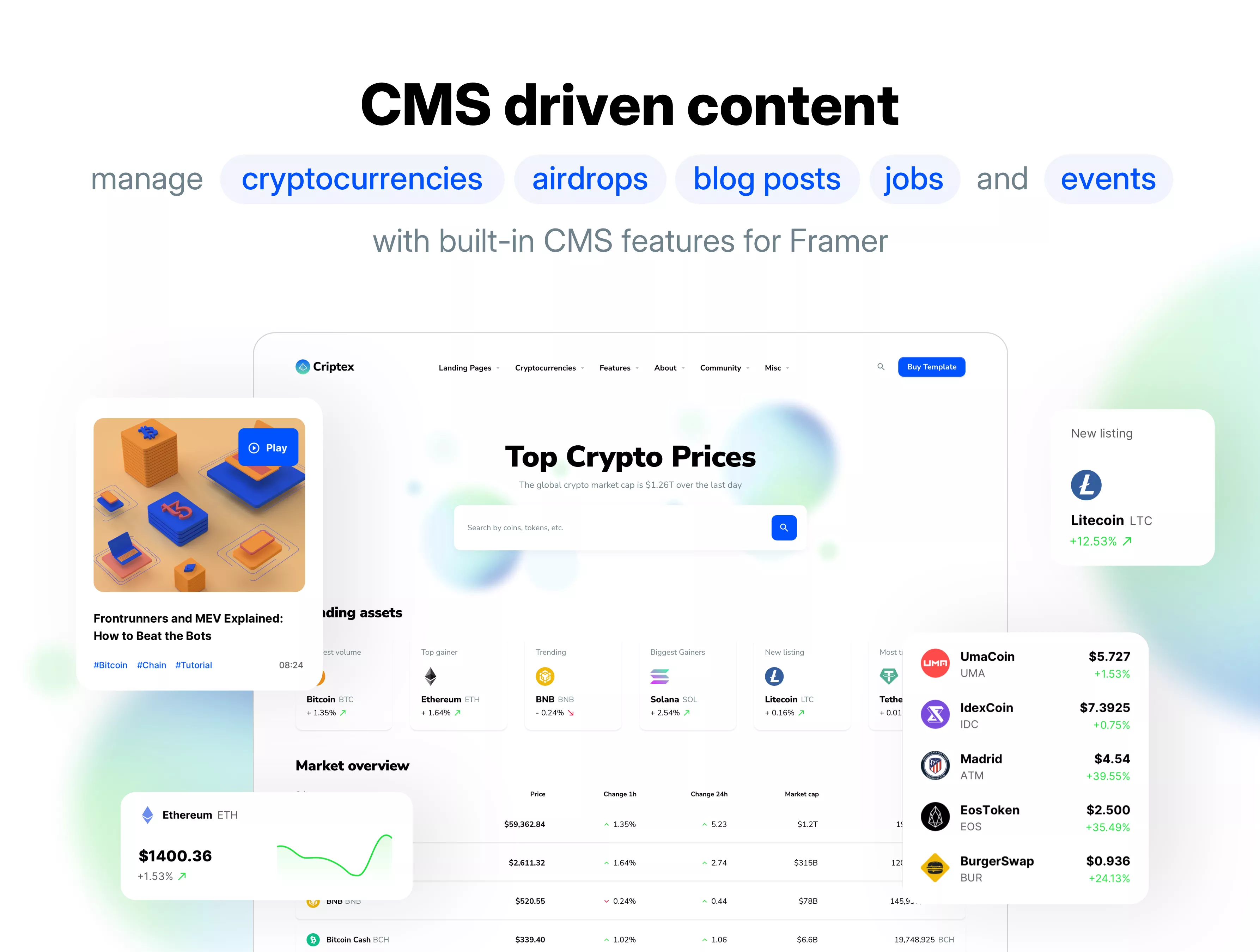
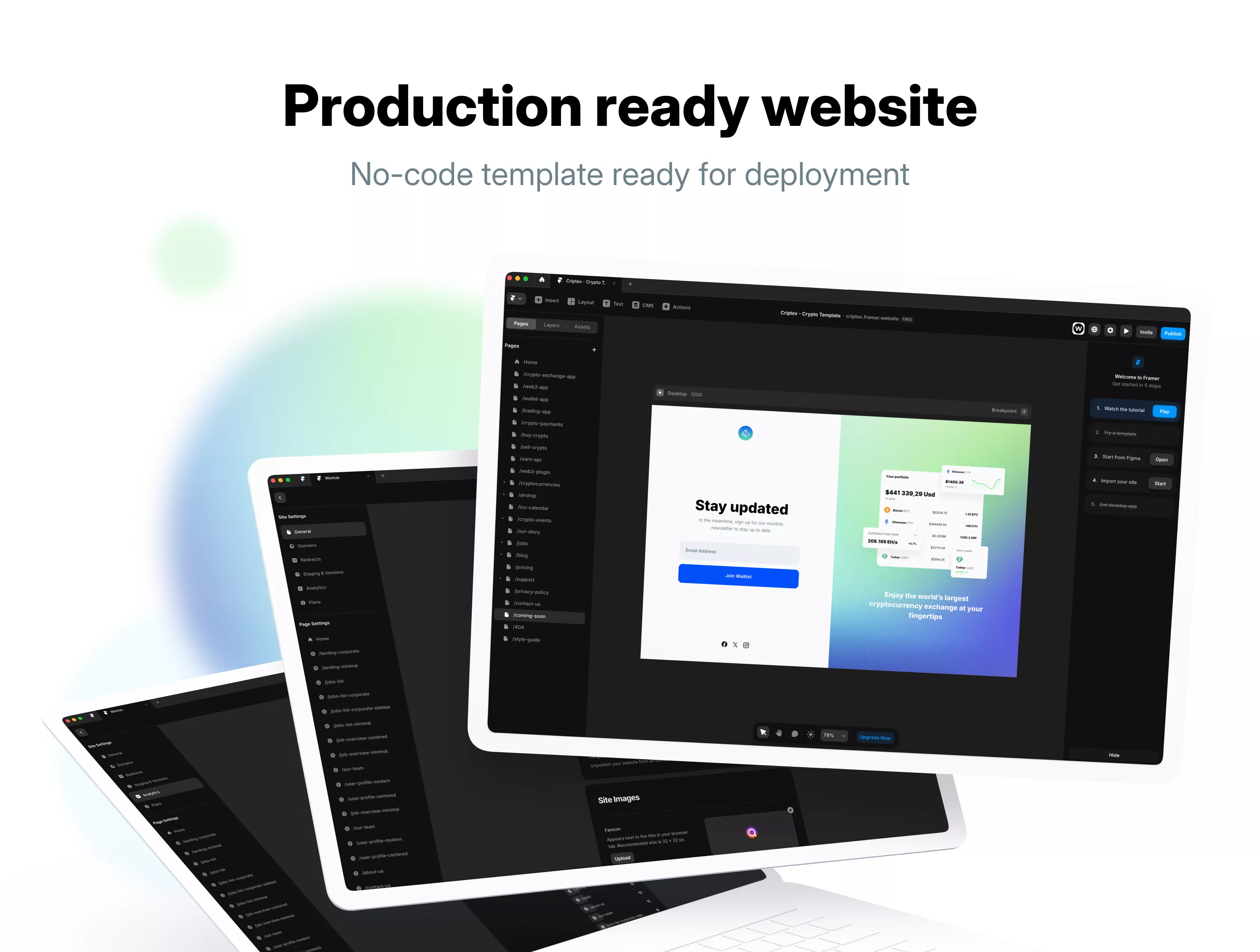
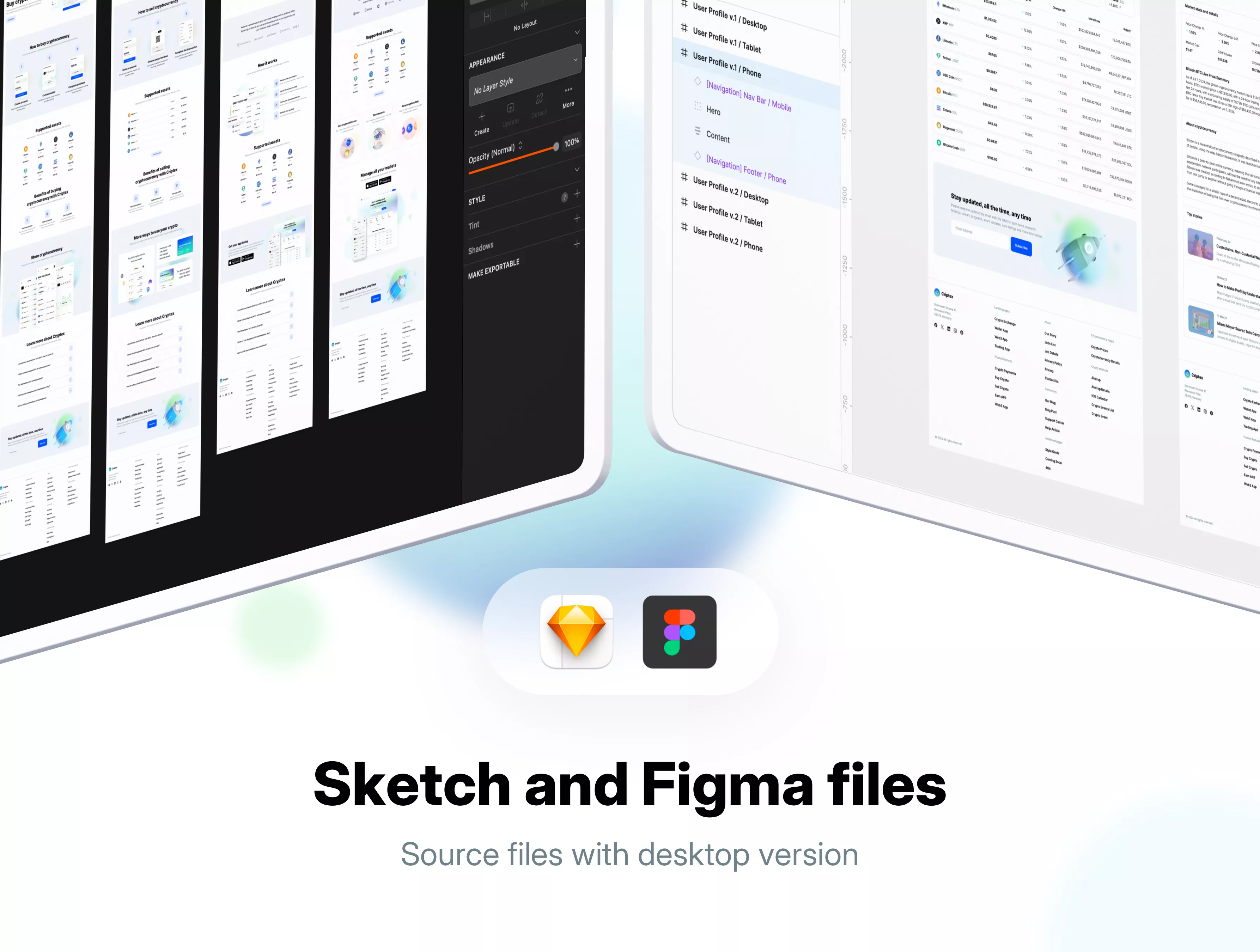
Criptex is a multipurpose template for crypto and web3 startups made with Framer. Create a cryptocurrency exchange website, crypto wallet, web3 app, and landing page for a trading app with our no-code theme. Our template was made with Framer and the desktop version is available in Sketch and Figma files. Cryptocurrencies, airdrops, crypto events, and ICOs are connected with the Framer CMS allowing you to manage content easily without a single line of code.
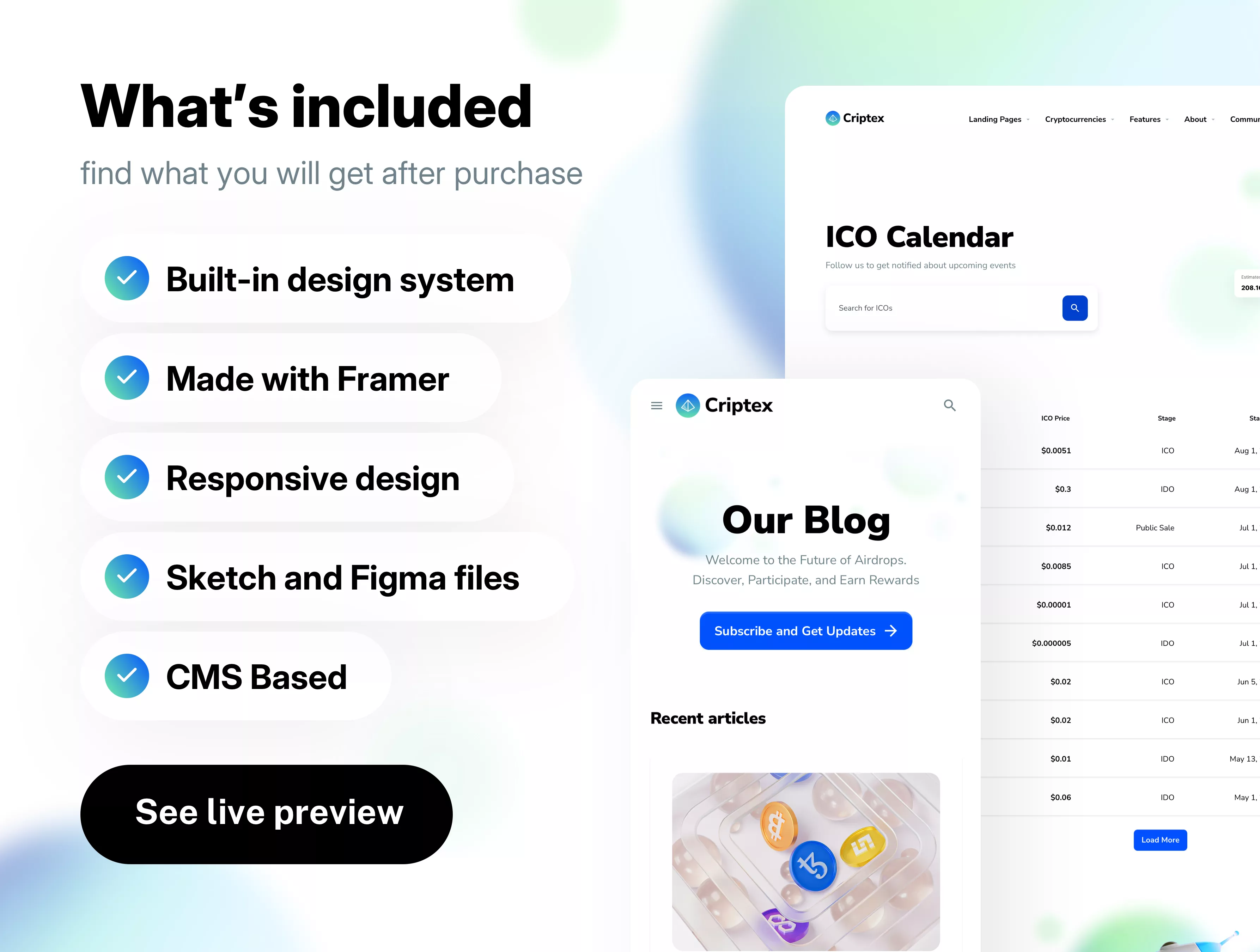
We built a modern, clean, and very detailed no-code template with several design layouts for landing pages, cryptocurrency market overview, airdrop and crypto events lists, blog and support articles, and other pages from crypto startups. Use a tool of your choice to design a UI faster with our pre-designed components gallery and font styles. Manage content for cryptocurrencies easily without a single line of code with the Framer CMS.
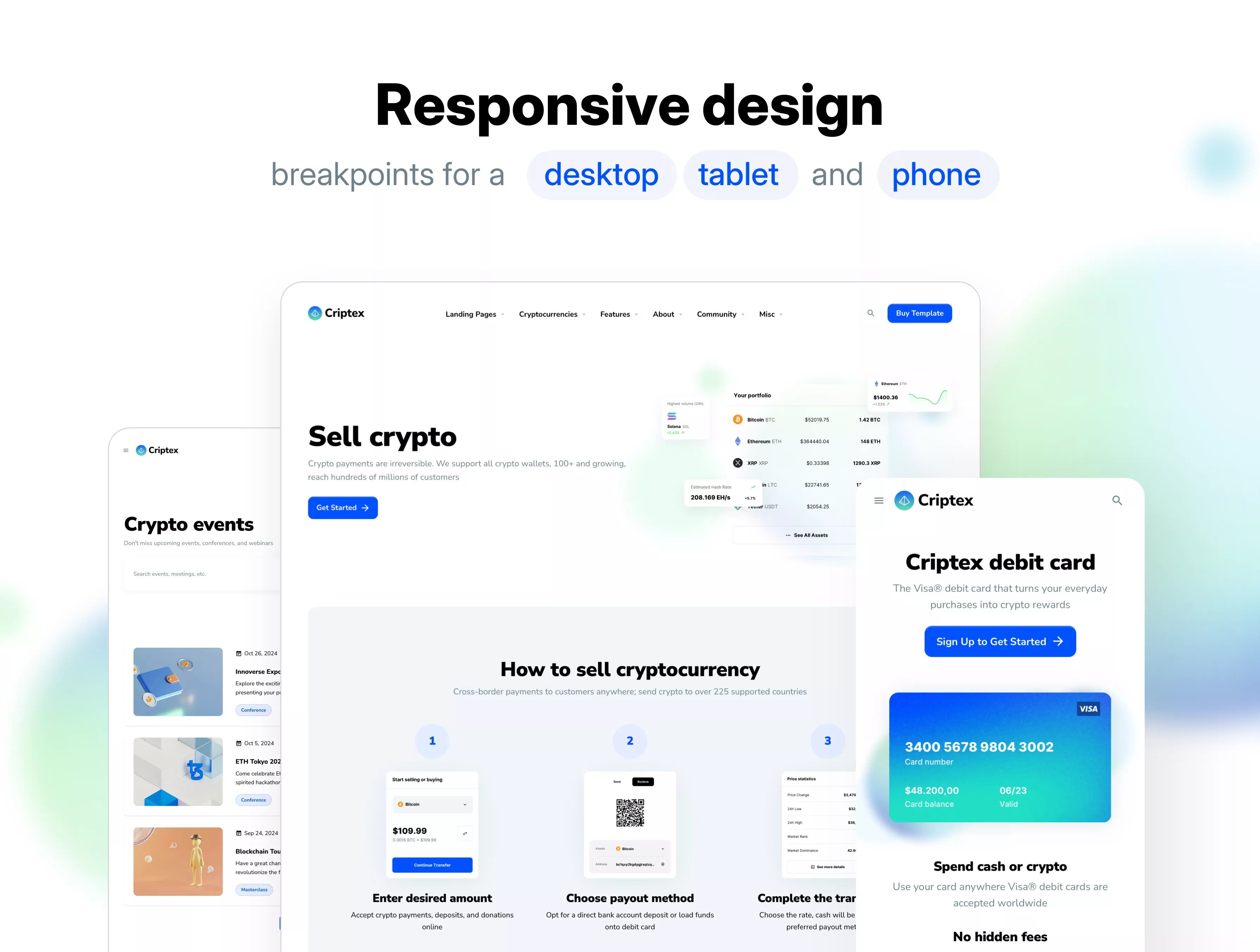
With our Framer no-code crypto website template, you can easily adapt your design for any screen size. We designed 29 responsive web pages optimized for tablets and phones. Use a set of unique UI symbols to build your website and deploy it in minutes. All symbols and objects are vector-based and easily editable. Manage content for cryptocurrencies with Framer built-in CMS. Quickly add, edit, or delete a coin, event, or blog post without a single line of code. This allows greater flexibility and control over the website’s content and keeps content updated with relevant information.
Cryptocurrency market rates are connected using built-on Framer Fetch API, and all prices and rates update constantly using free API. All 3rd party logos are excluded from the template to avoid copyright infringement, you will be able to download crypto logos as free demo content included in the product package and replace all placeholder logos in Framer within minutes.
Key features
29 Responsive Pages
Google Fonts
Design System
Light and Dark UI theme
Material Symbols & Icons
Framer components
Vector-based components
Content backed by Framer CMS
Styles & Color Variables
Well-organized design files
Figma Auto Layout
Sketch Stack Layout
Changelog
🔄 Aug 19, 2025 - This version features Layout Templates, a new Material icons set module, and updated Framer components.
🔄 Dec 17, 2024 - In this version, graphics files are updated. Prices and stocks are connected using Framer Fetch (free API) for dynamic updates.
🔄 Sep 17, 2024 - Initial Release
Questions we get asked the most
Designed by